Integrations
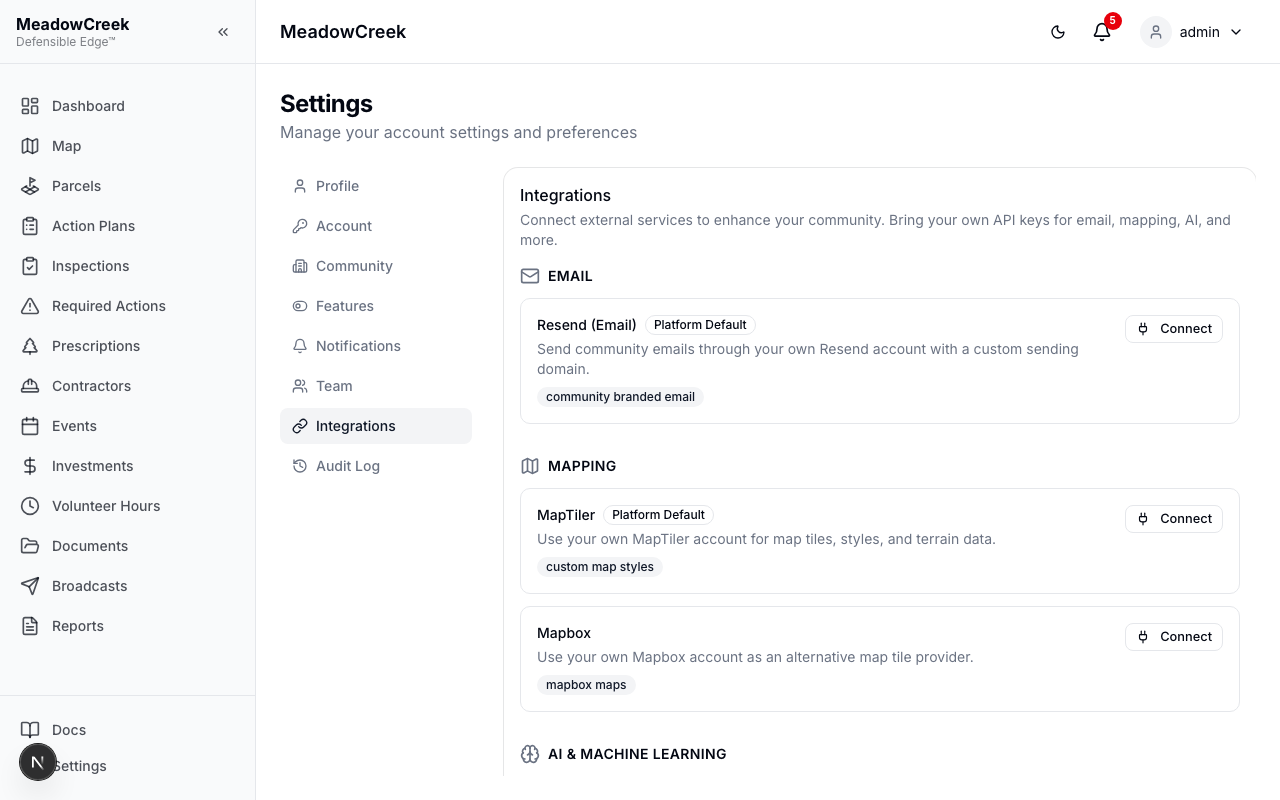
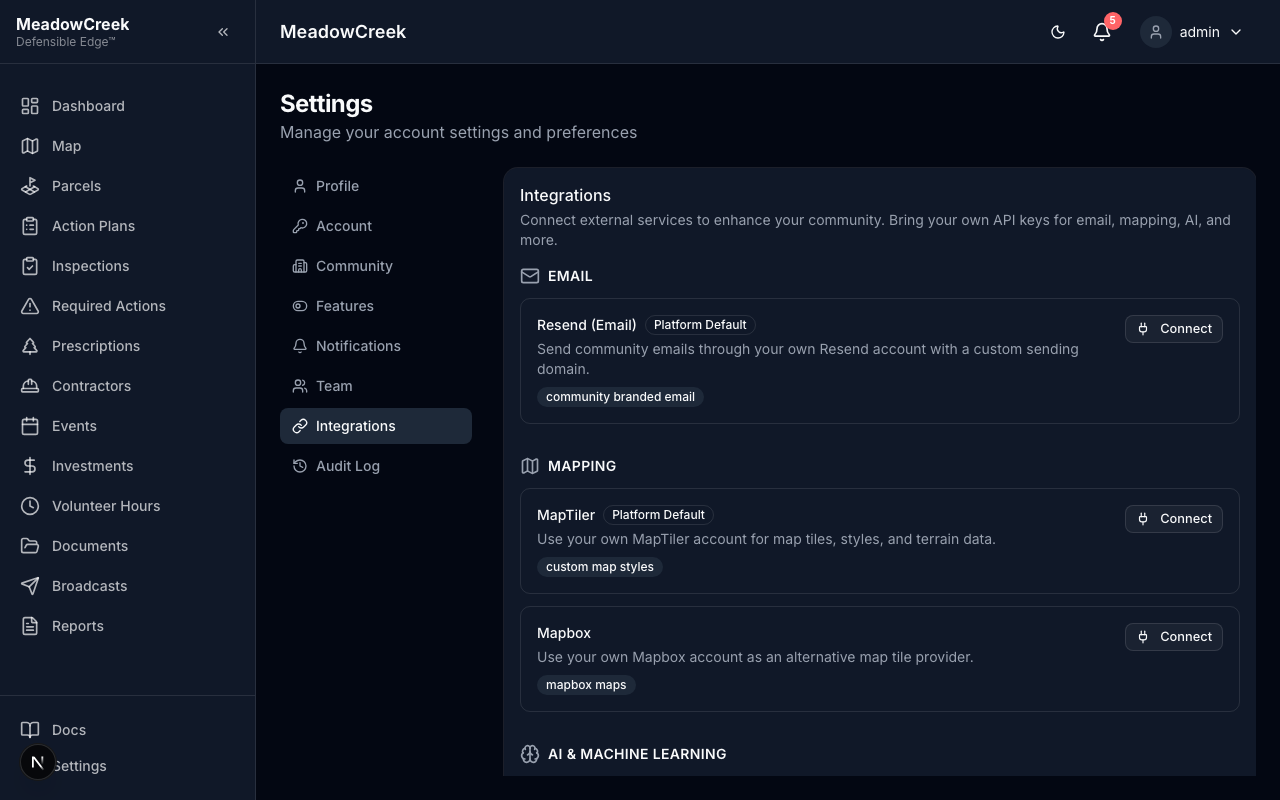
Connect external services to your community by bringing your own API keys. Admin only.
Navigate to Settings > Integrations to view the integration catalog, configure services, and manage credentials.
How It Works
Each integration follows a simple pattern:
- Click Connect on the service you want to configure
- Enter your API key or credentials
- Click Test Connection to verify everything works
- Click Save & Enable to activate
When a community has its own integration configured, the platform uses it instead of the default. If no integration is configured, the platform falls back to its own keys where available.
Available Integrations
| Service | Description | Platform Default? |
|---|---|---|
| Resend | Send community emails through your own Resend account with a custom sending domain | Yes |
Mapping
| Service | Description | Platform Default? |
|---|---|---|
| MapTiler | Use your own MapTiler account for map tiles, styles, and terrain data | Yes |
| Mapbox | Alternative map provider using your own Mapbox access token | No |
AI & Machine Learning
| Service | Description | Platform Default? |
|---|---|---|
| OpenAI | Enable AI-powered features like photo analysis using your OpenAI account | No |
| Anthropic (Claude) | Enable AI-powered features using your Anthropic account | No |
LiDAR & GIS (Coming Soon)
| Service | Description |
|---|---|
| Northwest Management ForestView | Import LiDAR canopy density, fuel load, and fire risk data for advanced threat modeling |
Managing Integrations
- Toggle on/off — Use the switch next to a configured integration to enable or disable it without removing credentials
- Reconfigure — Click the gear icon to update credentials or settings
- Remove — Click the trash icon to delete an integration and its stored credentials
Security
- API keys are encrypted at rest using AES-256-GCM
- Credentials are never exposed in the browser or API responses
- All configuration changes are recorded in the audit log
- Only admins can manage integrations
Platform Defaults
Some services (Resend, MapTiler) have platform-level defaults that all communities share. When a community configures its own key, their usage routes through their account instead. This enables:
- Cost segregation — communities pay for their own third-party usage
- Custom branding — use your own email domain or map styles
- Feature unlock — AI features require a community-provided key
Last updated on