Property Owners
Plan availability: Property Owners is a Full Platform feature. Firewise Core communities see it as a locked toggle in Settings → Features. The section is hidden until Track Property Owners is on; existing data persists across toggle flips.
Navigate to Owners in the sidebar to access the property owner directory.
Owner Directory
The owner directory displays all property owners with their contact information:
| Column | Description |
|---|---|
| Name | First and last name |
| Primary email address | |
| Phone | Primary phone number |
| City / State | Primary mailing city and state |
| Parcels | Number of parcels linked to this owner |
| Status | Active or Inactive |
| Portal | Whether the owner has portal access |
Use the Active / All / Inactive filter buttons above the table to view owners by status. The default view shows active owners only.
Adding Owners
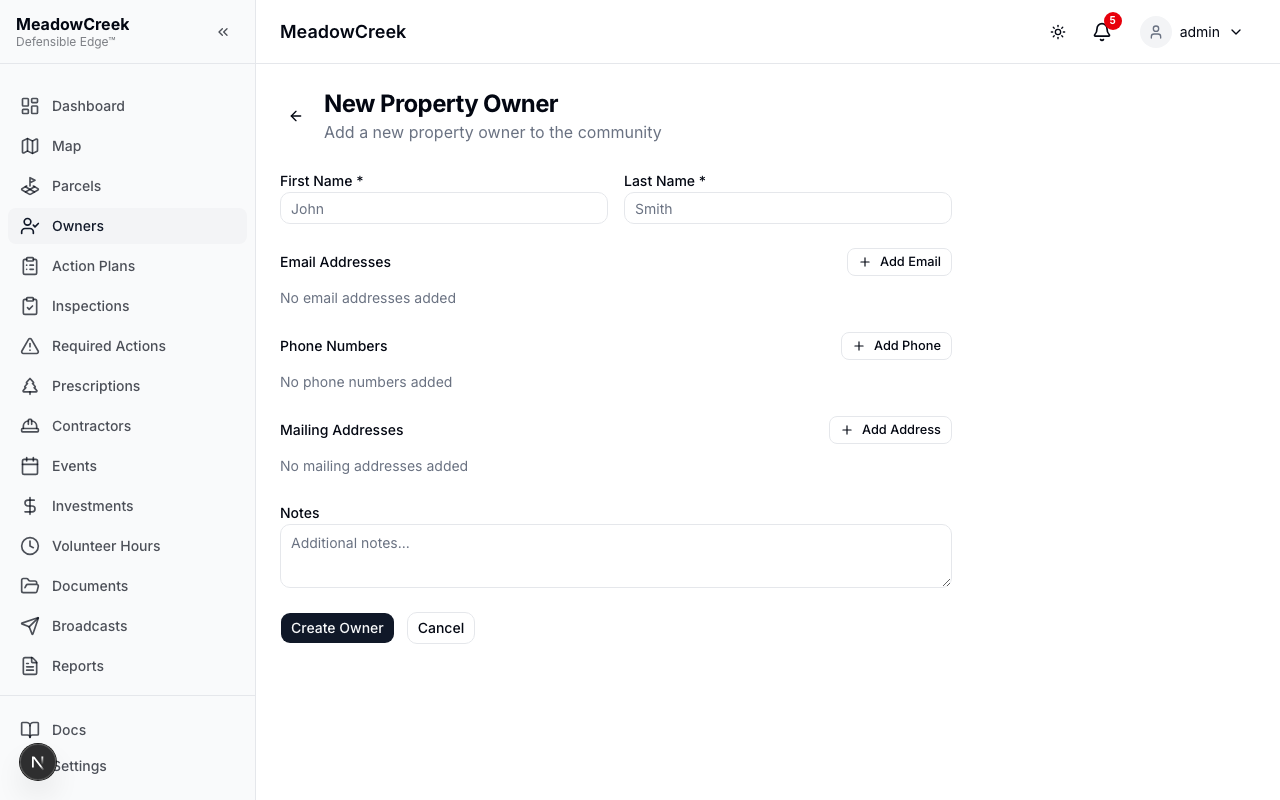
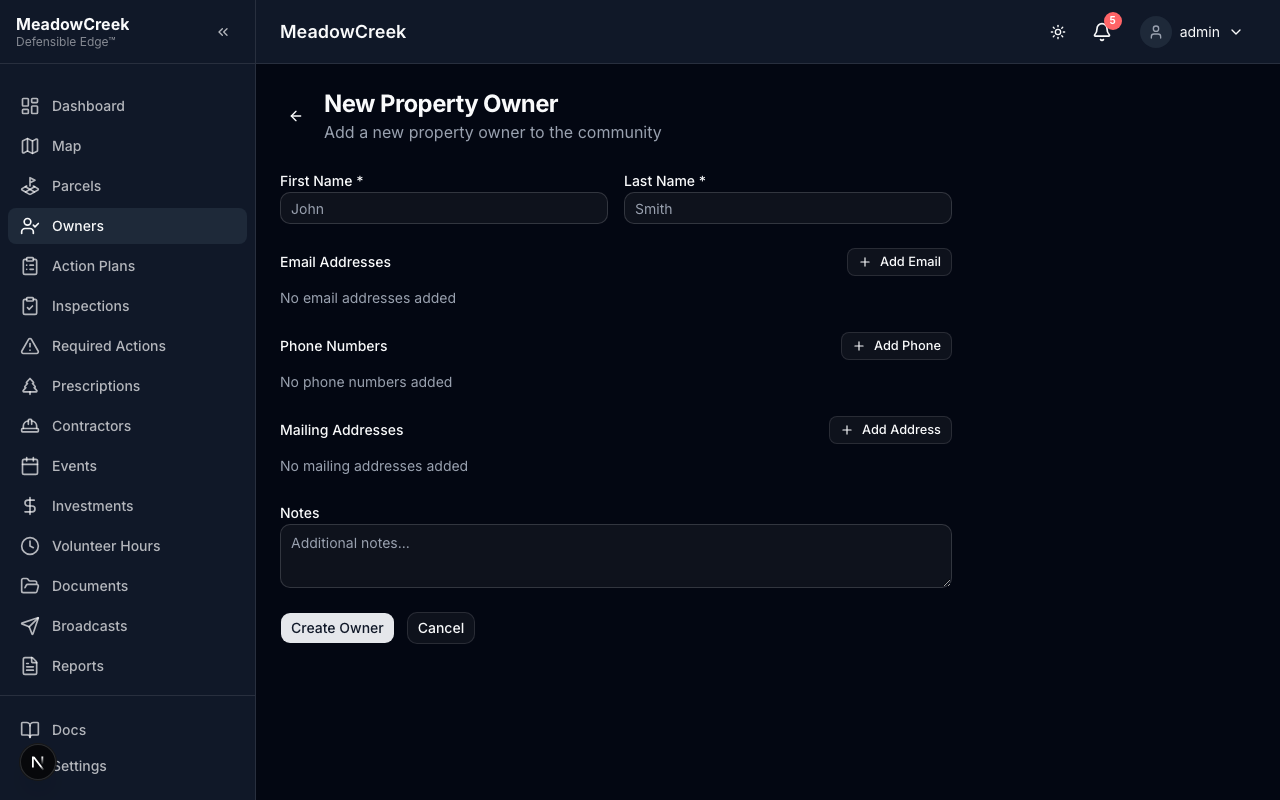
Click New Owner to create a new property owner record. Fill in their name, then add contact information:
- Email Addresses — Click “Add Email” to add one or more email addresses
- Phone Numbers — Click “Add Phone” to add one or more phone numbers
- Mailing Addresses — Click “Add Address” to add mailing addresses (with city, state, ZIP)
Each contact can be assigned a label (Home, Cell, Work, Winter, Personal, Other) and a primary designation. The first contact of each type is automatically set as primary. Click the star icon to change which contact is primary.
Importing Owners from CSV
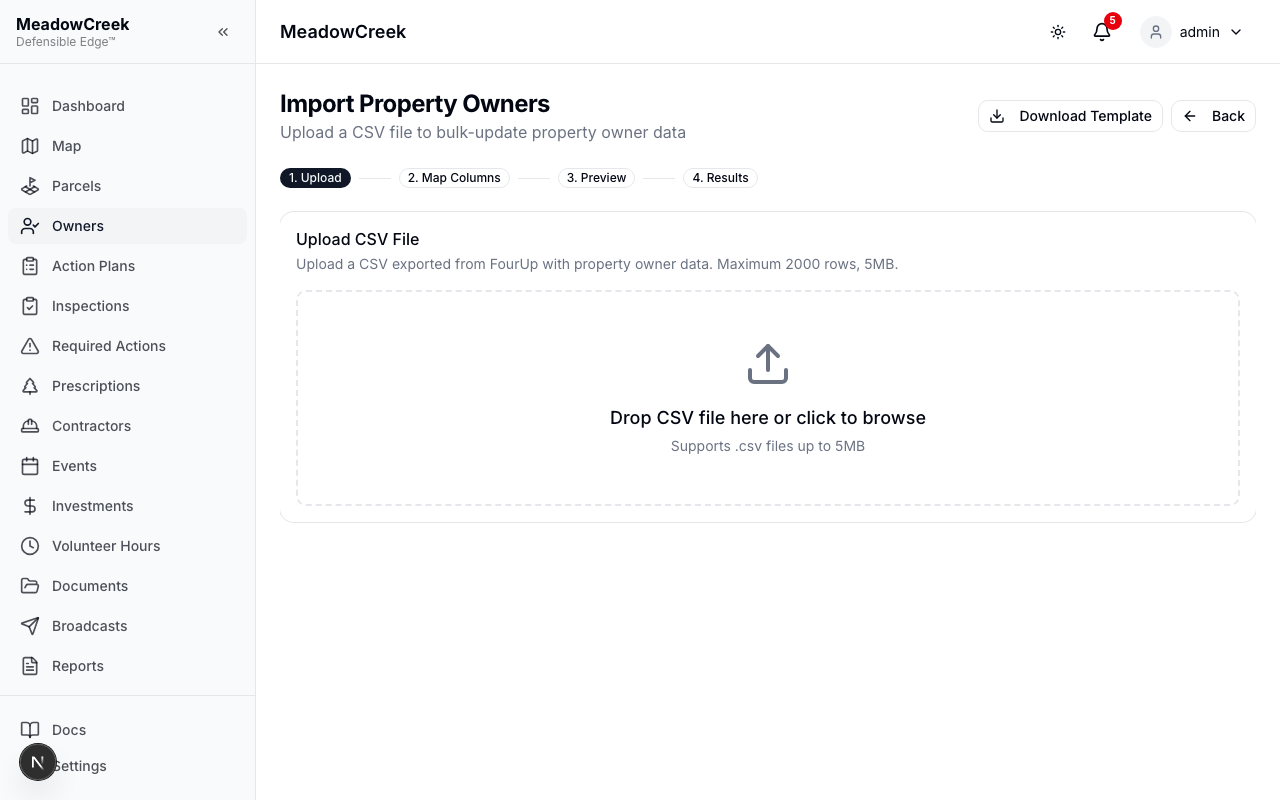
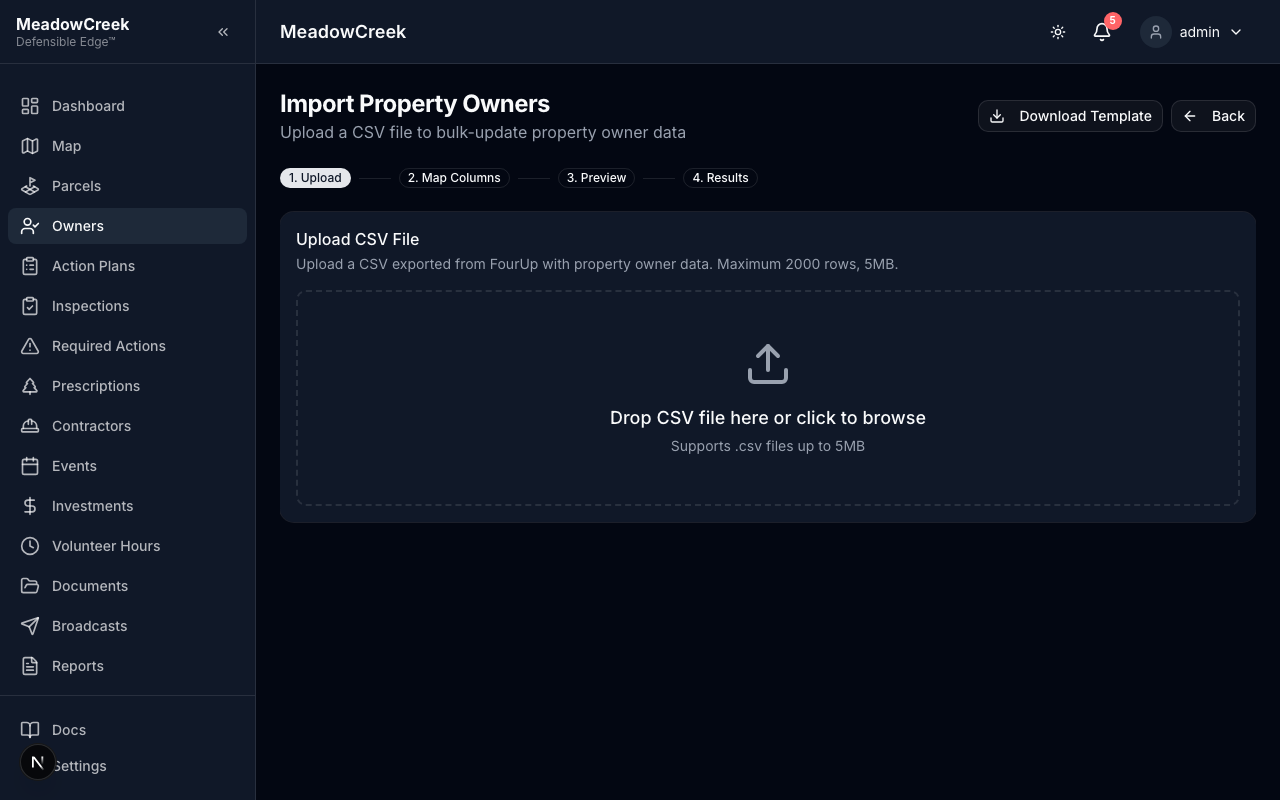
Admin users can bulk-import property owners from a CSV file (e.g., exported from FourUp or county records). Click Import Owners on the Property Owners page to start the import wizard.
Step 1: Upload CSV
Upload a CSV file (max 5MB, 2000 rows). Click Download Template to get an example CSV with the correct column headers. The template includes examples of multiple owners per parcel — use multiple rows with the same BLK-LOT to assign co-owners.
Step 2: Map Columns
The system auto-detects your CSV column headers and maps them to platform fields. Review the mapping and adjust if needed. At minimum, First Name and Last Name must be mapped, plus at least one of BLK-LOT or Address for parcel matching.
Step 3: Preview & Reconcile
The system matches each CSV row to an existing parcel and shows results in three categories:
- Matched (green) — Parcel found with high confidence. Review and proceed.
- Ambiguous (yellow) — Multiple possible parcels or a name that might match an existing owner. Select the correct parcel or confirm/reject the name match.
- Unmatched (red) — No matching parcel found. You can skip these rows or manually assign a parcel.
Each group shows the CSV owner data, the matched parcel, and any existing owners on that parcel. Owners with portal accounts are flagged.
Use the Skip button to exclude any group from the import.
Step 4: Apply
Click Apply Import to execute the changes. A confirmation dialog shows what will happen:
- New owner records are created from the CSV data
- Previous owners on affected parcels are set to inactive (not deleted — their data is preserved)
- Parcels not included in the CSV are left unchanged
After the import completes, a summary shows the number of owners created, deactivated, and parcels processed.
Tip: Before importing, fix any incorrect BLK-LOT values on the Parcels page — Admin users can click a BLK-LOT value in the table to edit it directly. Correct BLK-LOT values improve import matching accuracy.
Tip: Test the import against a database branch first (ask your developer to set this up) to verify results before applying to production data.
Owner Detail
The detail page consolidates an owner’s parcels, contact methods, linked events and volunteer hours, and inspection history.
Linking Owners to Parcels
Owner records are linked to their associated parcels through the owner-parcel relationship. From an owner’s detail page, click Link Parcel to assign them to a parcel. This linking enables:
- Notifications to reach the correct property owners
- Owners to view their property details when they log in
- Parcel-level ownership tracking
Contact Information
Each owner can have multiple contact entries for each type:
- Email addresses — Personal, work, spouse, etc.
- Phone numbers — Home, cell, work, etc.
- Mailing addresses — Primary residence, winter/seasonal address, PO box, etc.
Each contact entry has an optional label and a primary designation. The primary contact is shown in the owners table and used for portal invitations.
Setting Owners as Inactive
When a property changes hands, you can set the previous owner as inactive rather than deleting them. This preserves their historical data and parcel links while clearly marking them as no longer current.
From the owner detail page, Admin users can click Set Inactive to toggle the owner’s status. Inactive owners:
- Retain all contact information and linked parcels
- Appear in the owner directory when the Inactive or All filter is selected
- Can be reactivated at any time by clicking Set Active
Deleting Owners
Admin users can permanently delete an owner from their detail page by clicking the trash icon button. A confirmation prompt will appear. Use this for data entry errors — for ownership transfers, setting the owner as inactive is preferred.
Role note: The Owners page is only accessible to Admin and Staff users. Only Admin users can import owners, set owners as inactive, or delete them. Property owners can view their own property information through the Property Owners portal.