Documents
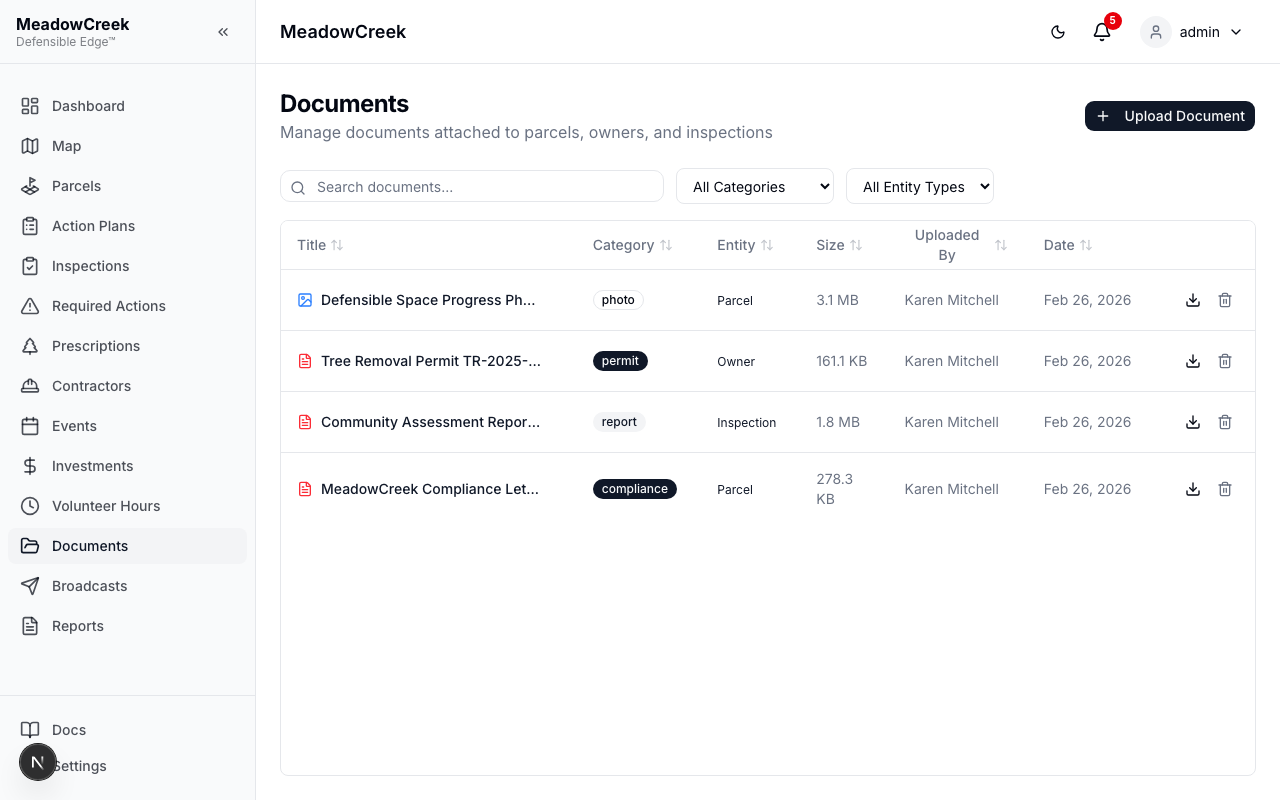
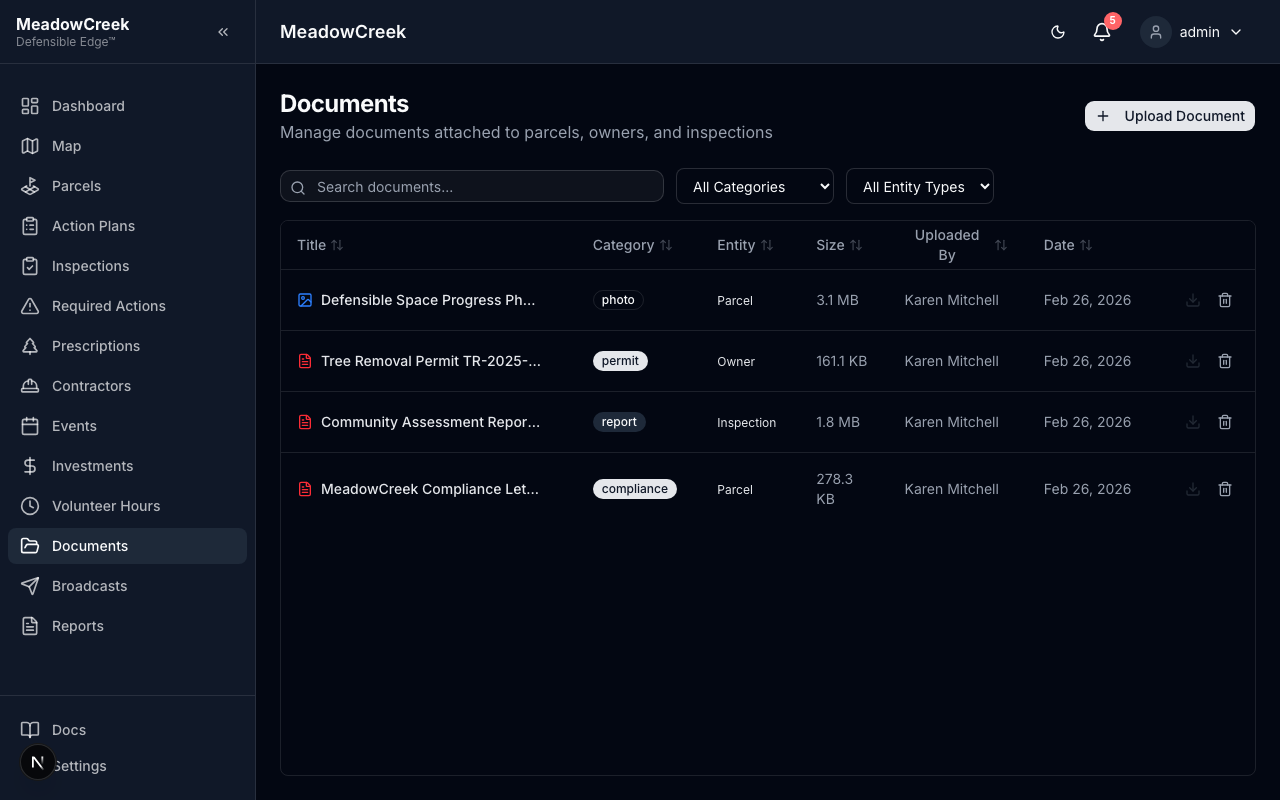
A central library for community-level documents — your Community Wildfire Protection Plan (CWPP), Firewise application packets, board meeting minutes, vendor agreements, photo archives, anything you’d otherwise email around or hunt for in someone’s Dropbox.
Navigate to Documents in the sidebar.
What lives here
Common categories communities upload:
- Firewise USA® packets — current and prior years’ applications, certificates, renewal letters
- CWPP — the multi-stakeholder Community Wildfire Protection Plan
- Board materials — meeting minutes, agendas, bylaws, treasurer reports
- Vendor contracts — signed agreements with contractors, surveyors, etc.
- Photo archives — before/after shots from work days; aerial imagery
- Educational handouts — defensible-space guides you’ve developed for owner outreach
Uploading
Click Upload Document to add a new file. Drag-and-drop or click to browse; uploads support PDF, DOCX, XLSX, JPG, PNG, and more (up to 50 MB per file). For larger files (videos, drone imagery), link to an external URL instead.
Organizing
Each document has:
- A title (defaults to the filename; rename freely)
- A category for filtering (use the standard set above or create your own)
- Tags for cross-cutting search
- A visibility flag — Admin/Staff only, or visible to Owners in the owner portal
Search across titles, categories, and tags from the search bar at the top of the list.
Tips
- Pin the current Firewise application at the top of the list — it’ll be the most-accessed file before each board meeting
- Tag photo archives with
year:2026,event:work-day-spring, etc. for easy filtering later - Educational handouts marked owner-visible become attachments on broadcasts automatically
Related
- Broadcasts → Educational Broadcasts — push a document out to owners by email
- Reports — generated reports auto-attach to the documents library
Last updated on