Views
The Inspections page offers three views — pick whichever matches the task at hand.
Kanban Board (Default)
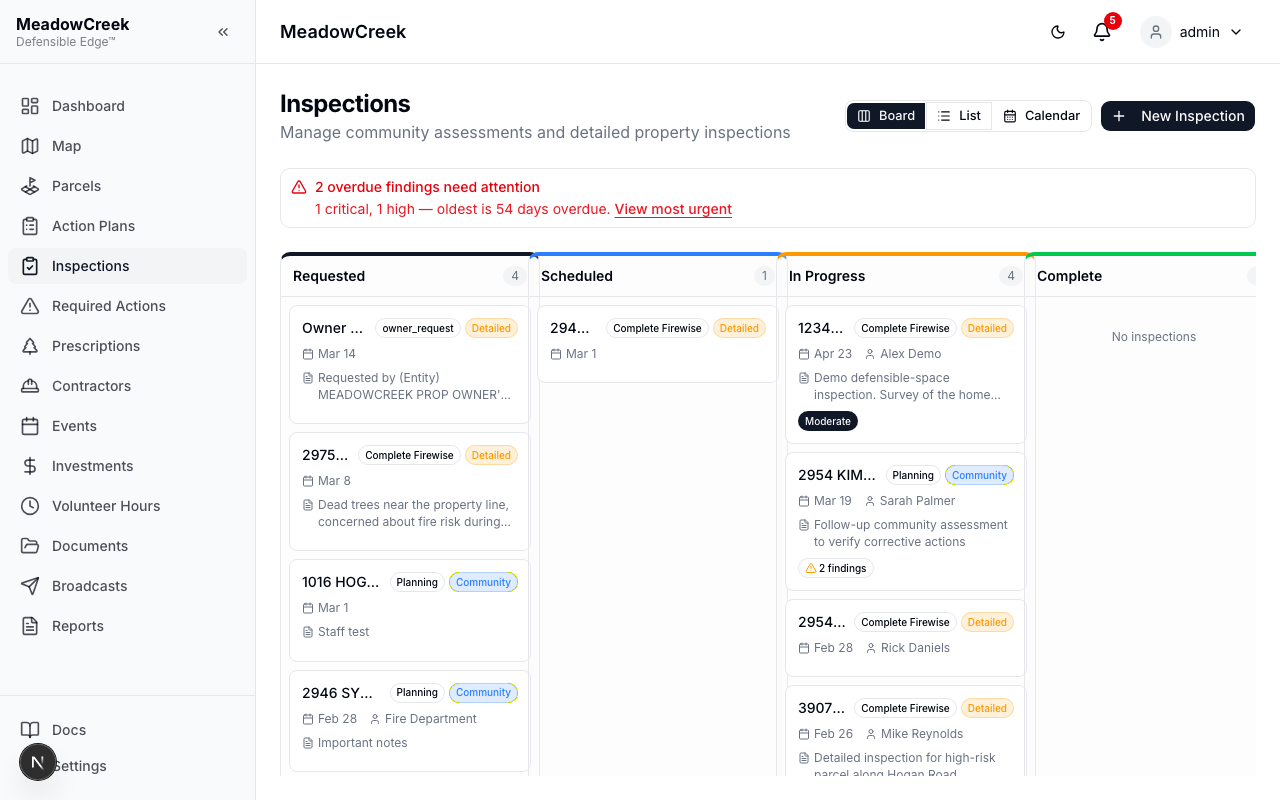
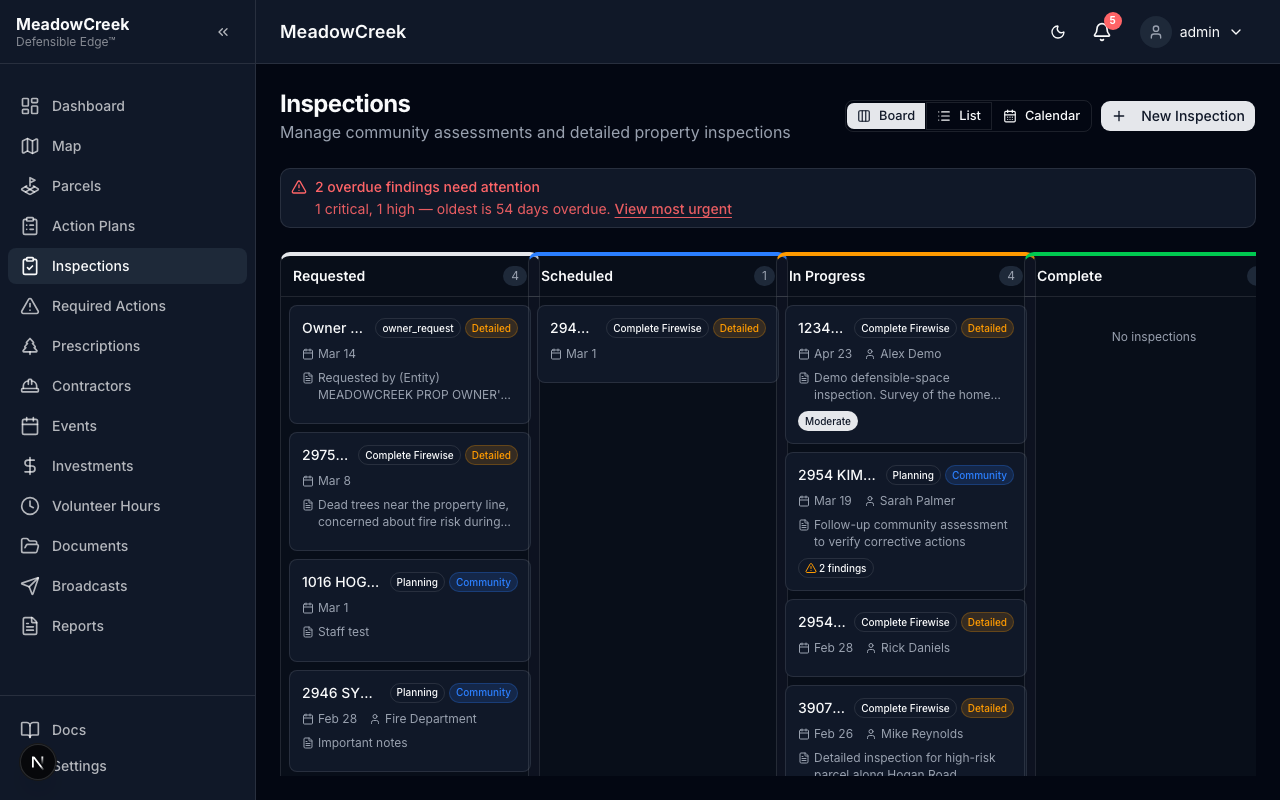
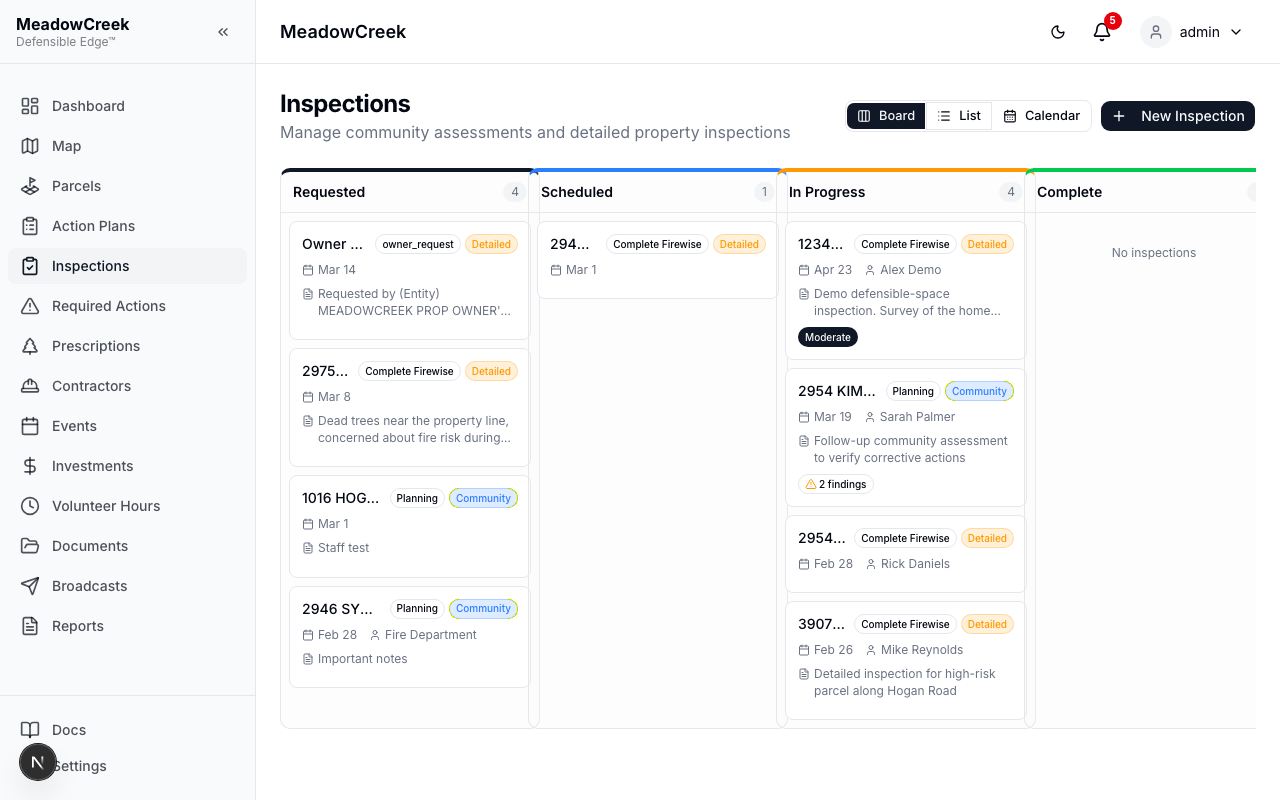
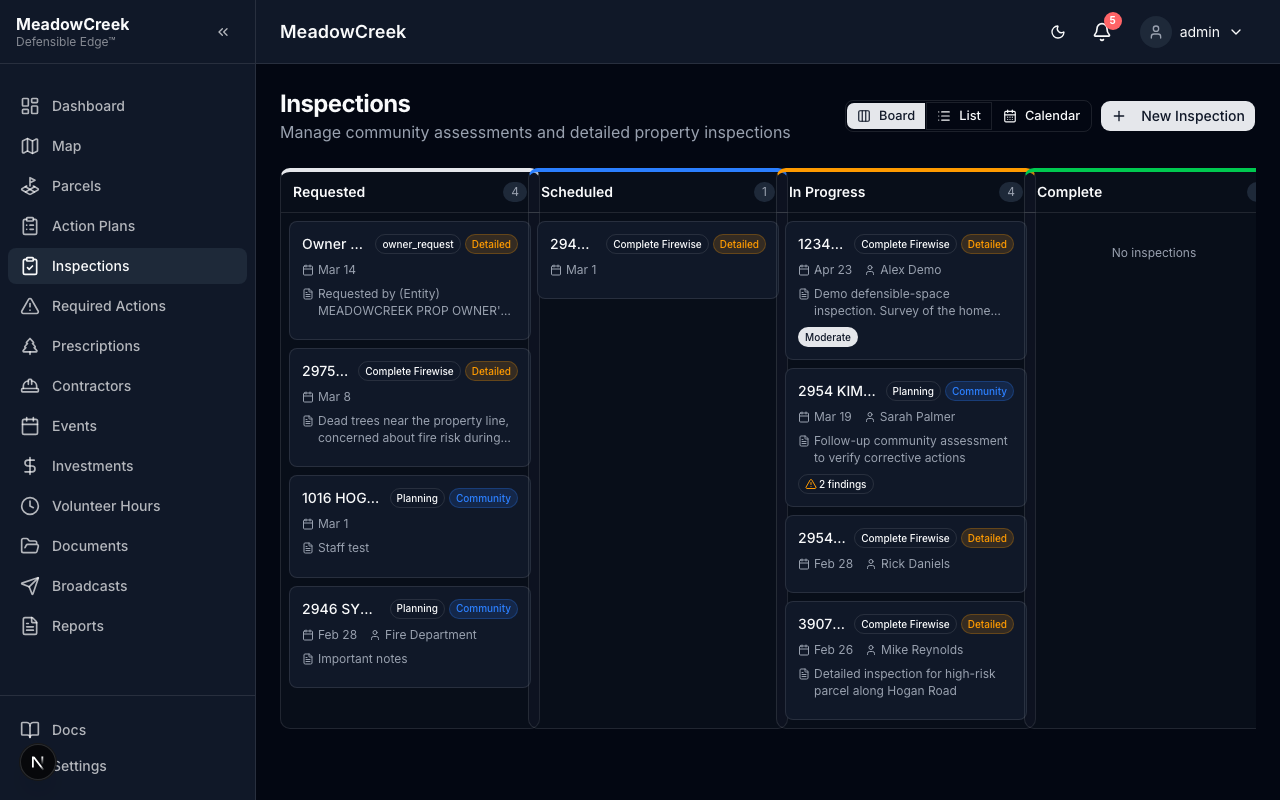
The kanban view organizes inspections into status columns that represent the inspection workflow:
- Requested — An inspection has been requested (by an admin, staff, or property owner)
- Scheduled — The inspection has been assigned a date and inspector
- In Progress — The inspection is currently being conducted
- Completed — The inspection is finished with findings recorded
- Cancelled — The inspection was cancelled
Drag and drop inspection cards between columns to update their status.
List View
Click the list view toggle to see inspections in a sortable table format. The table shows:
- Inspection type and category
- Status
- Inspection date and scheduled date
- Inspector name
- Parcel address
- Risk rating
- Findings count and open findings count
- Total score
Calendar View
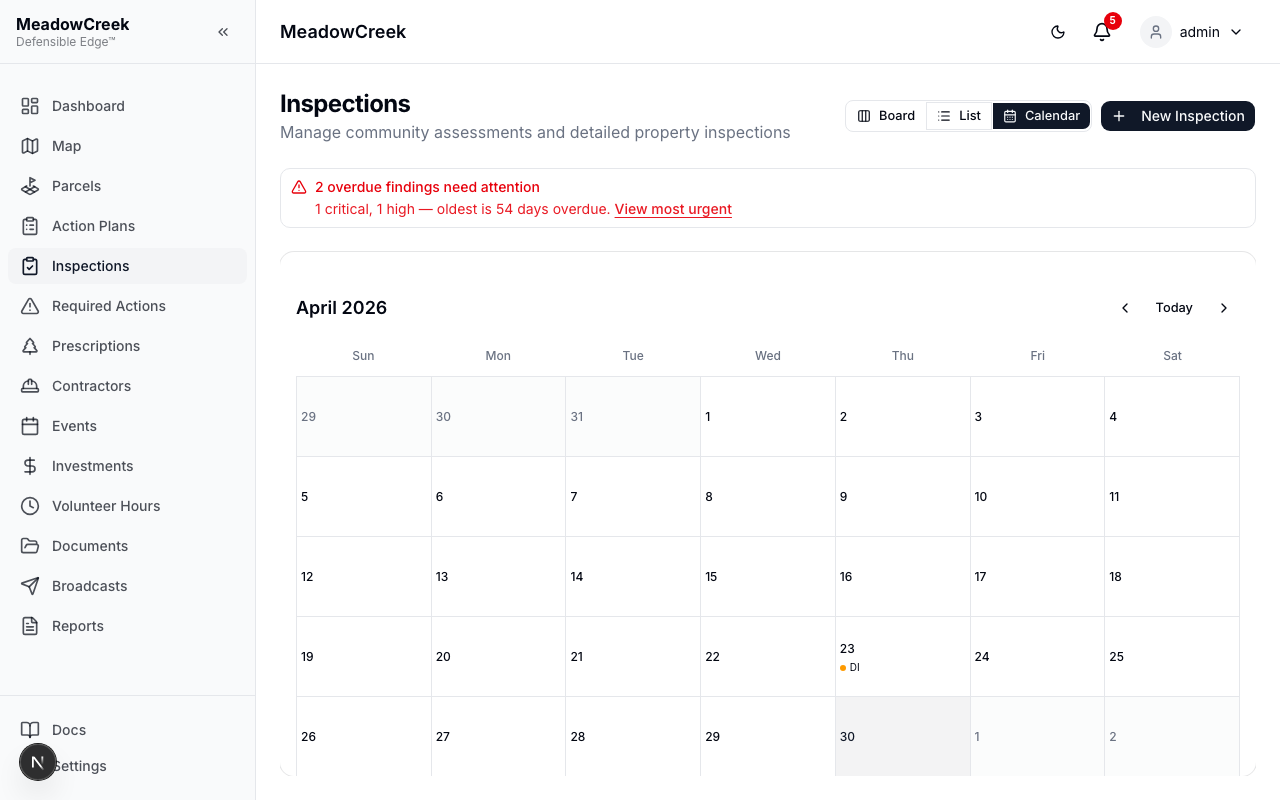
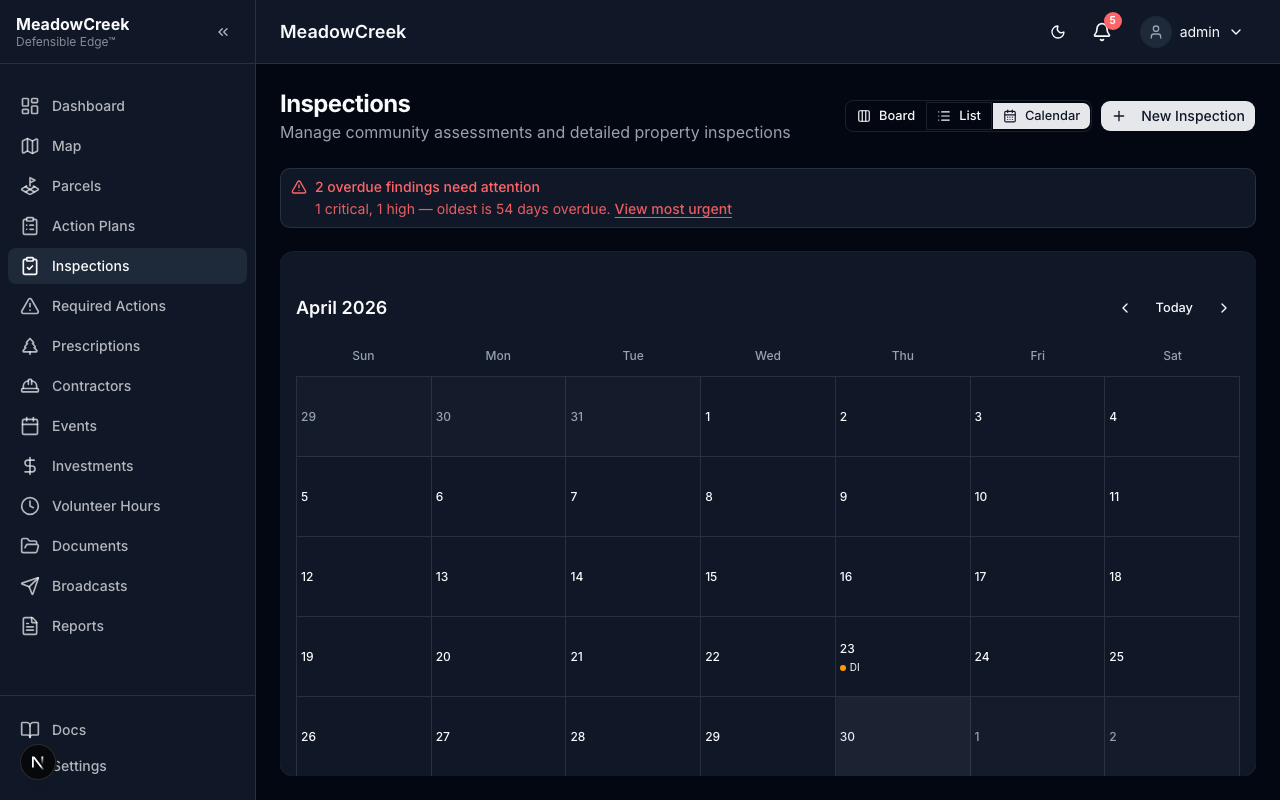
The calendar view displays inspections on a monthly calendar, making it easy to see scheduling density and upcoming inspections at a glance.
Last updated on