Community Settings
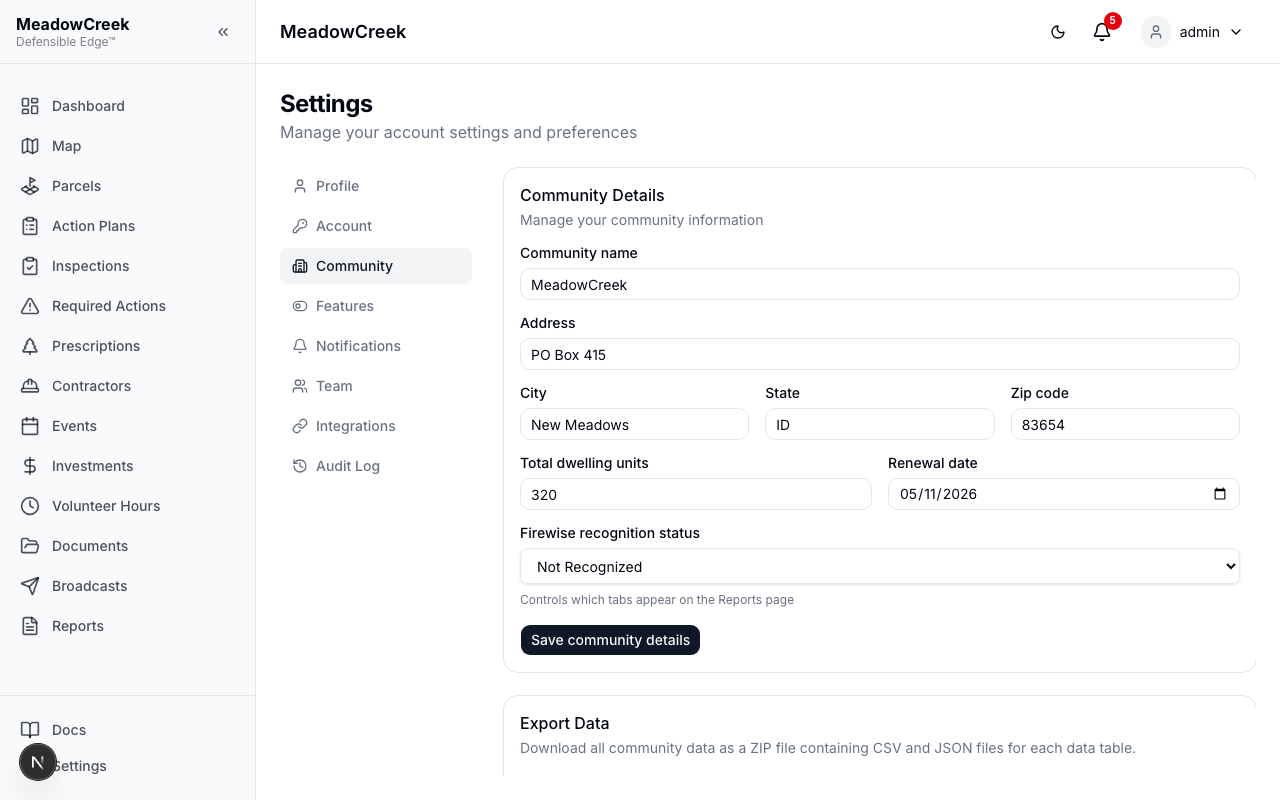
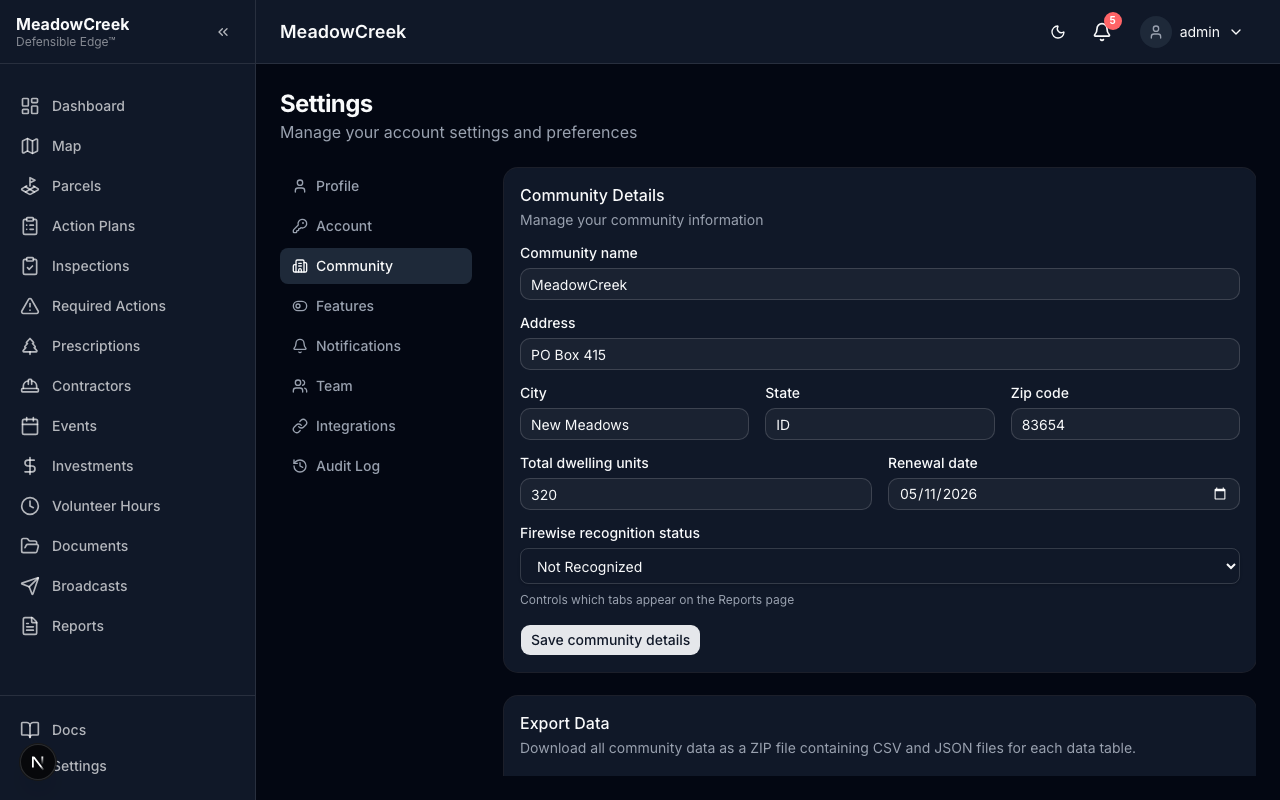
Configure community-level settings. Admin only.
| Setting | Description |
|---|---|
| Community Name | Your community’s display name |
| Address | Community address (street, city, state, zip) |
| Total Dwelling Units | Number of dwelling units — used for Firewise calculations (volunteer hours per unit) |
| Renewal Date | Annual Firewise renewal date |
| Firewise Recognition Status | Not Recognized, Applying, or Recognized — controls Reports page behavior |
The Dwelling Units count is important — it’s used to calculate volunteer hours per dwelling unit, which is a key Firewise USA® metric (target: 1.0 hour per unit annually).
The Recognition Status determines what report types are available:
- Not Recognized — Initial Application wizard available
- Applying — Application submitted, awaiting response
- Recognized — Renewal Reports available
Export Data
At the bottom of the Community Settings page, admins can export all community data as a ZIP file.
Click Export All Data to download a ZIP containing CSV and JSON files for every data table: parcels, inspections, findings, volunteer hours, events, action plans, projects, prescriptions, property owners, contractors, and initial applications.
The ZIP also includes a _metadata.json file with the community name, export date, and row counts for each table.
Tip: CSV files open directly in Excel or Google Sheets. JSON files are useful for programmatic access or data migration.
Terms Acceptance
When logging in for the first time (or after terms are updated), community users see a terms acceptance dialog. This dialog covers:
- Alpha status — the platform is in alpha and may have bugs
- Not professional advice — content is informational, not a substitute for professional fire safety advice
- Terms of Use & Privacy Policy — links to the full legal documents
- NFPA non-affiliation — Defensible Edge™ is not affiliated with NFPA or Firewise USA®
Users must click “I Accept” to proceed. The dialog cannot be dismissed without accepting.
Once accepted, the acceptance date and terms version are recorded on the user’s account. If terms are updated in the future, users will be prompted to accept the new version.