Required Actions
A Required Action is a specific defensible-space task that must be completed by a parcel owner — created automatically from inspection findings and tracked through to completion. The Required Actions page is your community-wide queue.
Navigate to Required Actions in the sidebar.
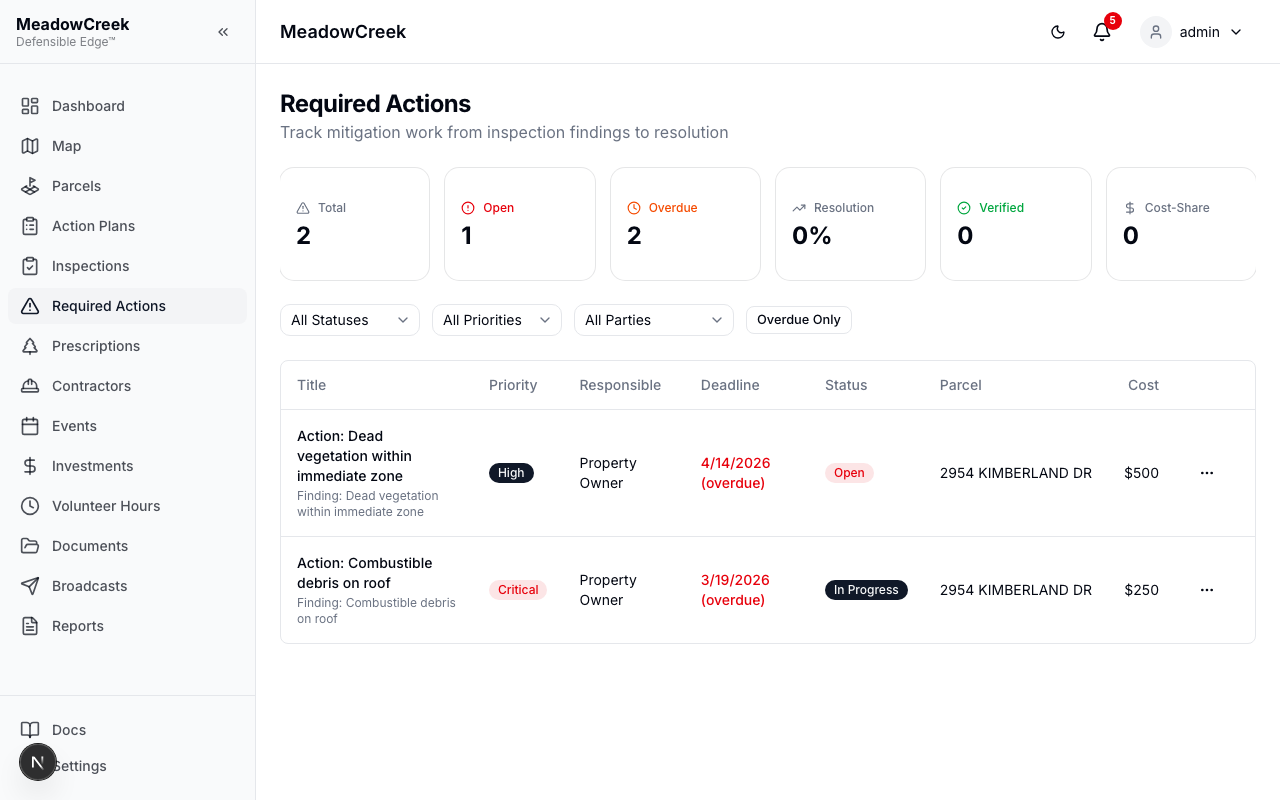
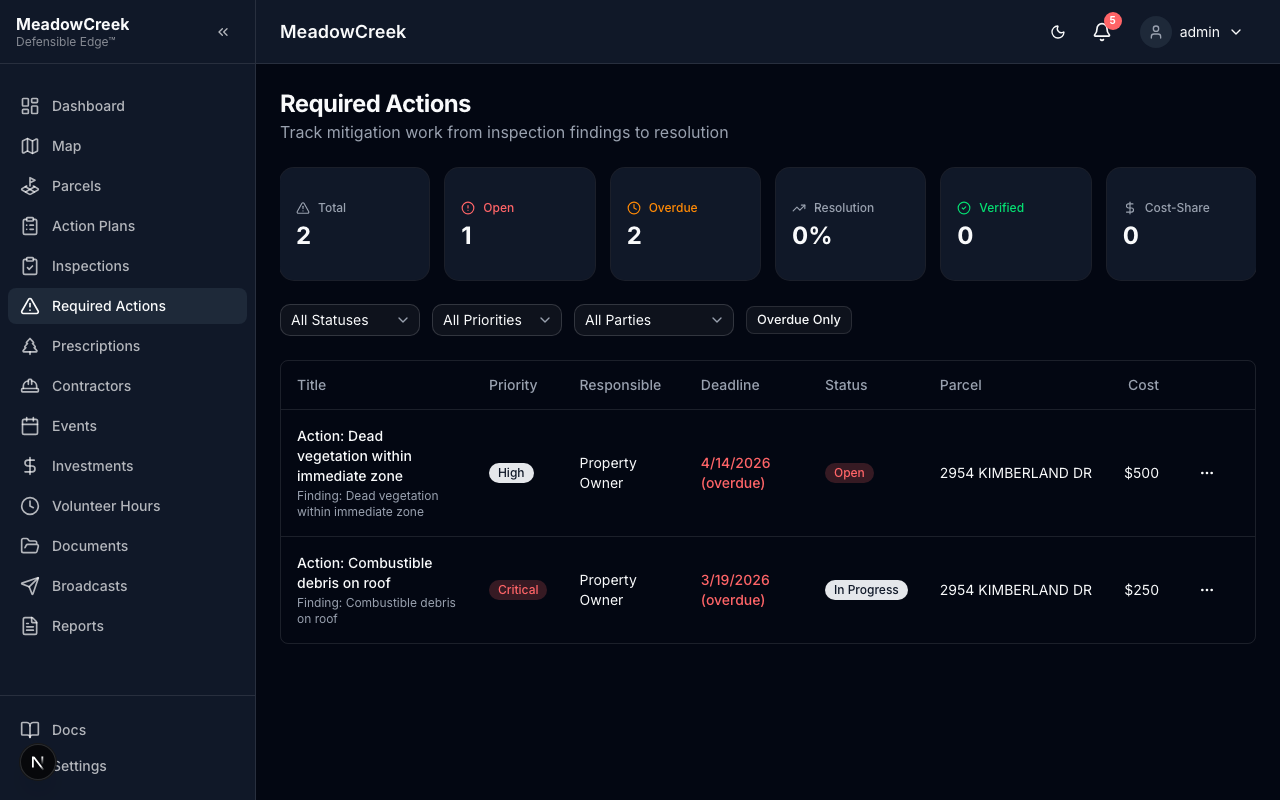
What you see
| Column | Description |
|---|---|
| Parcel | The address and parcel number the action applies to |
| Owner | Property owner the action is assigned to (when Track Property Owners is on) |
| Action | Short description of the work required (e.g., “Clear combustible debris from roof”) |
| Severity | Low, Moderate, High, or Extreme — inherited from the originating finding |
| Due date | Compliance deadline — overdue items show in red |
| Status | Pending, In Progress, Complete, or Waived |
How items get on this list
Required Actions are not created manually. They flow into the queue from two upstream sources:
- Inspection findings — Every finding logged against a parcel during an inspection (with severity Moderate or above) automatically generates a matching Required Action assigned to the parcel’s current owner.
- Action plan items — Plan line items targeting a specific parcel + owner can publish their work as Required Actions when the plan is activated.
Working the queue
- Filter by severity or due date to triage.
- Click a row to open the action detail. From there you can record progress, log a completed-by date, attach proof-of-work photos, or waive the item with a reason.
- Bulk actions: select multiple rows to mark a batch complete, change due dates, or send a broadcast nudge.
How items leave the queue
- Complete — the next inspection of the same parcel verifies the action and closes it.
- Waived — admin marks the action waived (e.g., the underlying condition no longer applies); a reason is required for the audit trail.
- Owner change — when ownership transfers, open actions stay attached to the parcel; the new owner inherits the queue.
Related
- Inspections — where most actions originate
- Action Plans — how actions roll up into the multi-year workplan
- Broadcasts — send a one-click nudge to everyone with an open required action
Last updated on