Plans
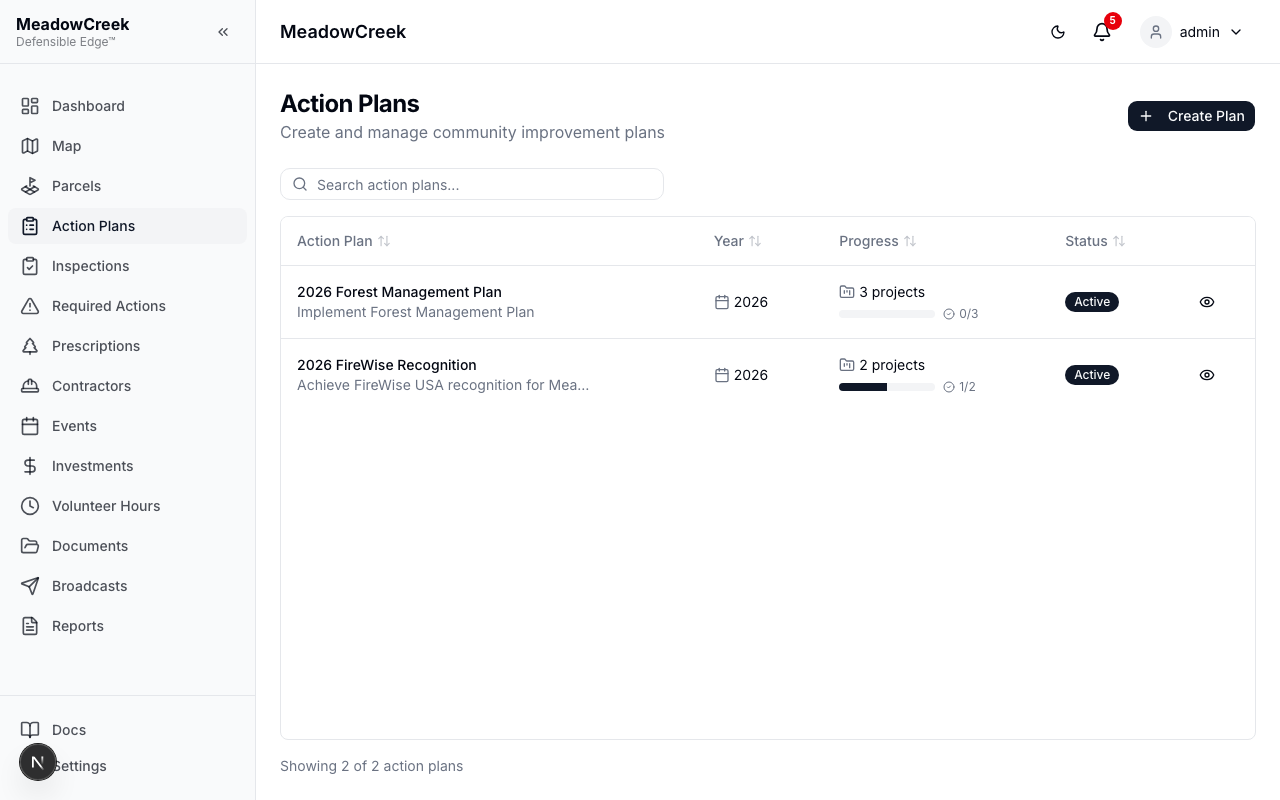
Action Plans are the top-level containers for organizing your community’s mitigation work. Each plan includes:
- Title — A descriptive name for the plan
- Description — Details about the plan’s goals and scope
- Year — The planning year
- Status — Draft, Active, or Completed
- Project Count — Number of projects within the plan
Creating a Plan
- Click Create Plan at the top of the page
- Enter a title and description
- Set the year for the plan
- Choose the initial status (typically Draft)
- Click Save
Plan Lifecycle
Plans progress through three statuses:
- Draft — Plan is being developed and can be freely edited
- Active — Plan is in execution with active projects
- Completed — All work in the plan is finished
Last updated on