Projects
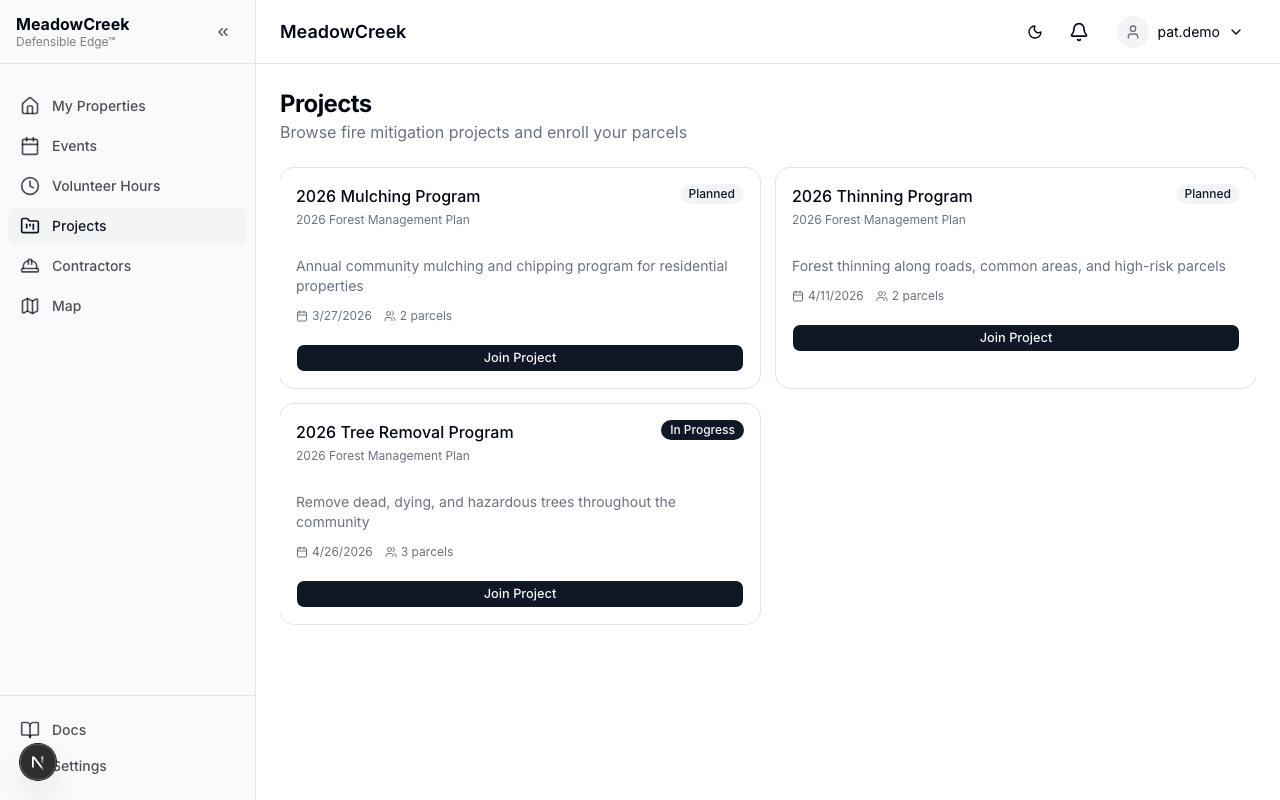
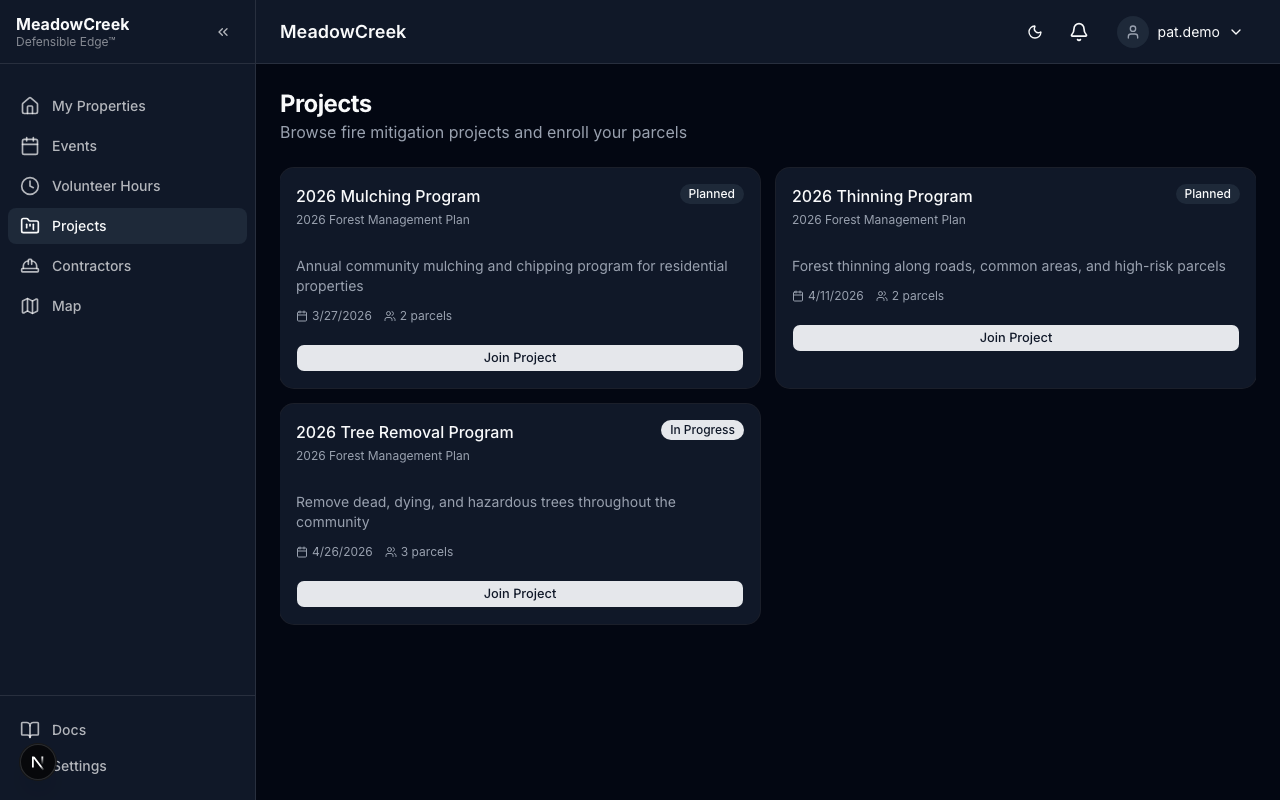
Navigate to Projects in the sidebar to browse fire mitigation projects.
Browsing Projects
Active and planned projects are displayed as cards showing:
- Project title and description
- Category (Fire Mitigation, Community Outreach, Education, Other)
- Priority level
- Status (In Progress or Planned)
- Target completion date
- Estimated budget
- Number of enrolled parcels
Enrolling Your Parcels
- Find a project you’d like to participate in
- Click Join Project on the project card
- Select one or more of your parcels to enroll (parcels already enrolled are filtered out)
- Optionally add notes about your participation
- Click Submit
Your enrollment request is created with Pending status. You’ll receive a notification when the admin approves or rejects your enrollment.
Enrollment Statuses
Each enrolled parcel shows a status badge on the project card:
- Pending — Awaiting admin review
- Approved — Your parcel is confirmed in the project
- Rejected — Enrollment was declined (check notification for reason)
Last updated on