Compliance Documents
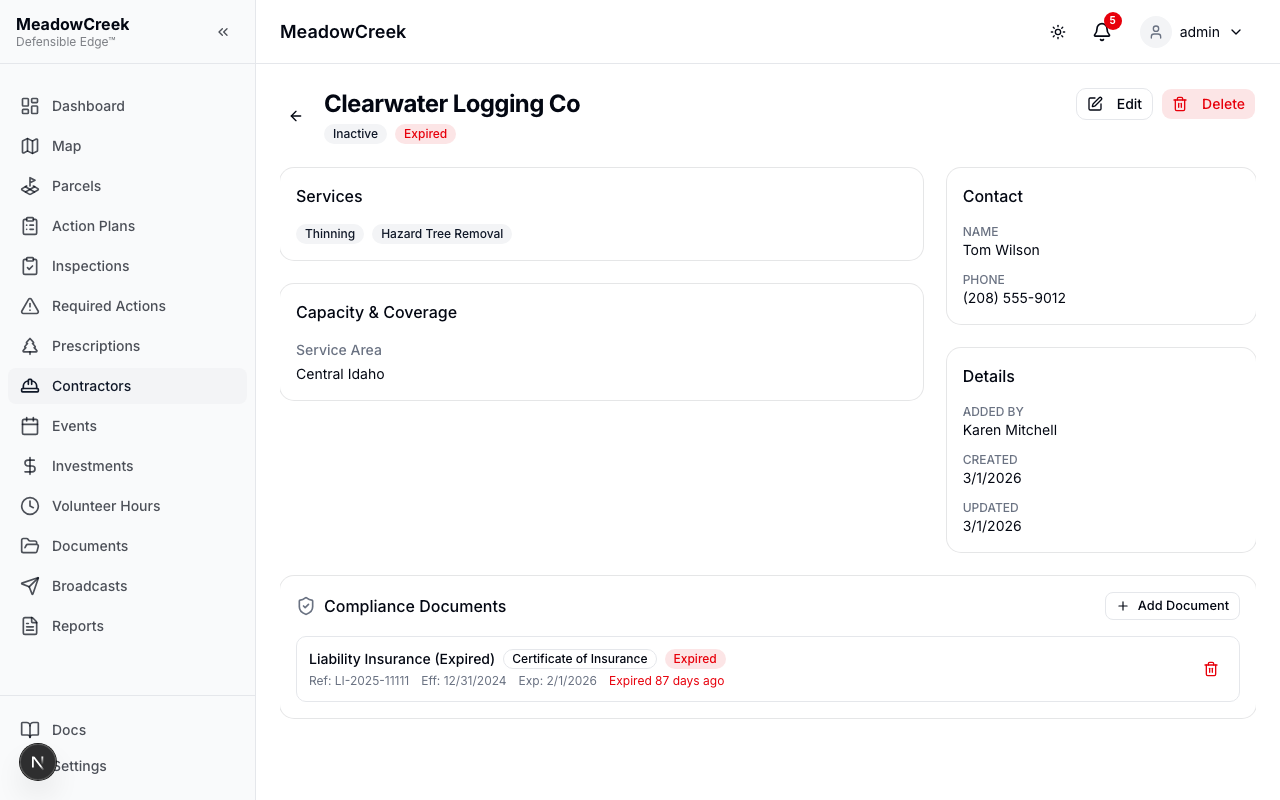
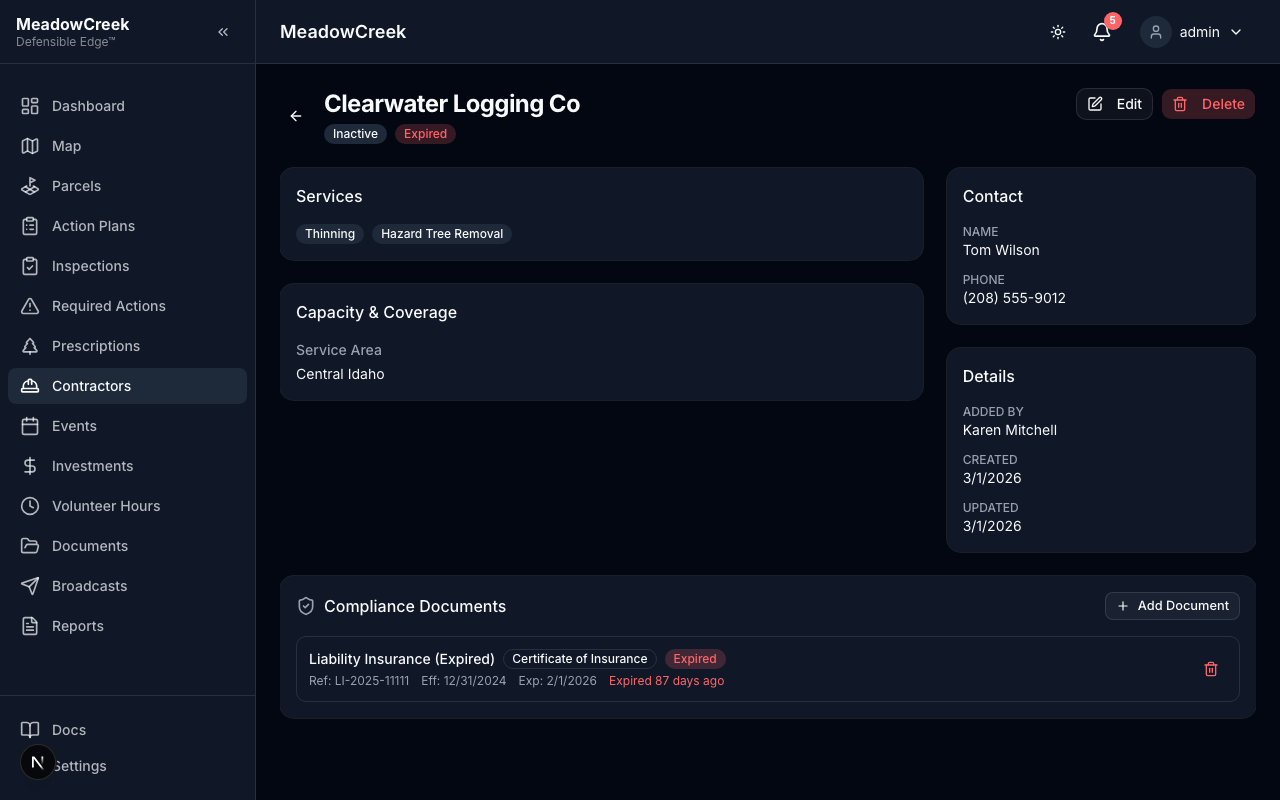
Track contractor compliance documentation to ensure all contractors meet insurance and certification requirements.
Document Types
- Certificate of Insurance — General liability and property damage coverage
- Workers’ Compensation — Workers’ comp insurance documentation
- Other Certifications — Additional licenses, certifications, or permits
Compliance Status
The platform automatically calculates compliance status based on document expiration dates:
| Status | Meaning |
|---|---|
| Current | All documents are valid and not expiring soon |
| Expiring Soon | At least one document expires within 30 days |
| Expired | One or more documents have passed their expiration date |
Adding Compliance Documents
- Open a contractor’s detail page
- Scroll to the Compliance Documents section
- Click Add Document
- Fill in the document details (type, name, reference number, dates)
- Optionally upload a PDF file (max 10MB) — click the upload area to select a file
- Click Add Document to save
Viewing Uploaded PDFs
Documents with uploaded PDFs show a file icon. Click the icon to open the PDF in a new tab.
Expiration Notifications
Community admins receive automatic email notifications when compliance documents are:
- Expiring within 30 days — reminder to request updated documents
- Expiring within 7 days — urgent reminder
- Expired — notification that the document has lapsed
Contractor Self-Service
Contractors with portal accounts can also upload their own compliance documents from the Contractor Portal. Documents uploaded by contractors appear on the community admin’s contractor detail page.
Last updated on