Creating an Inspection
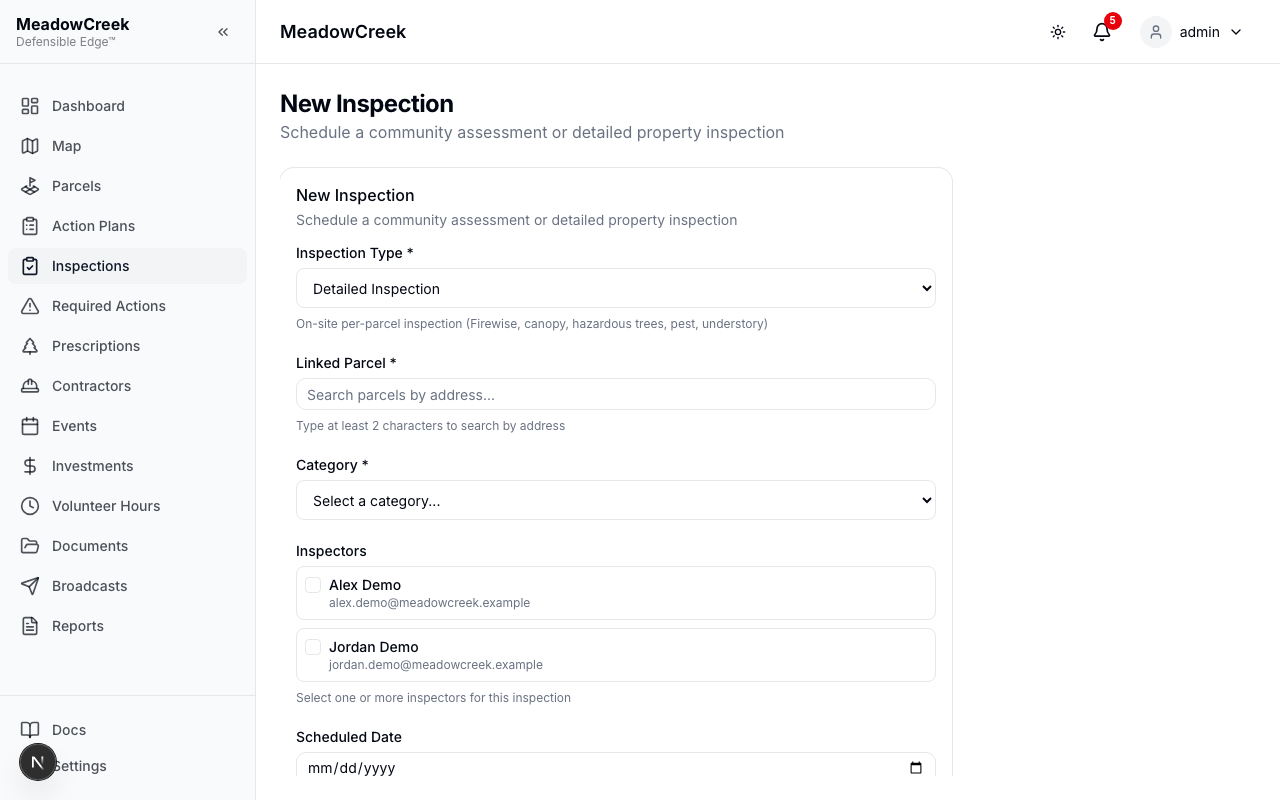
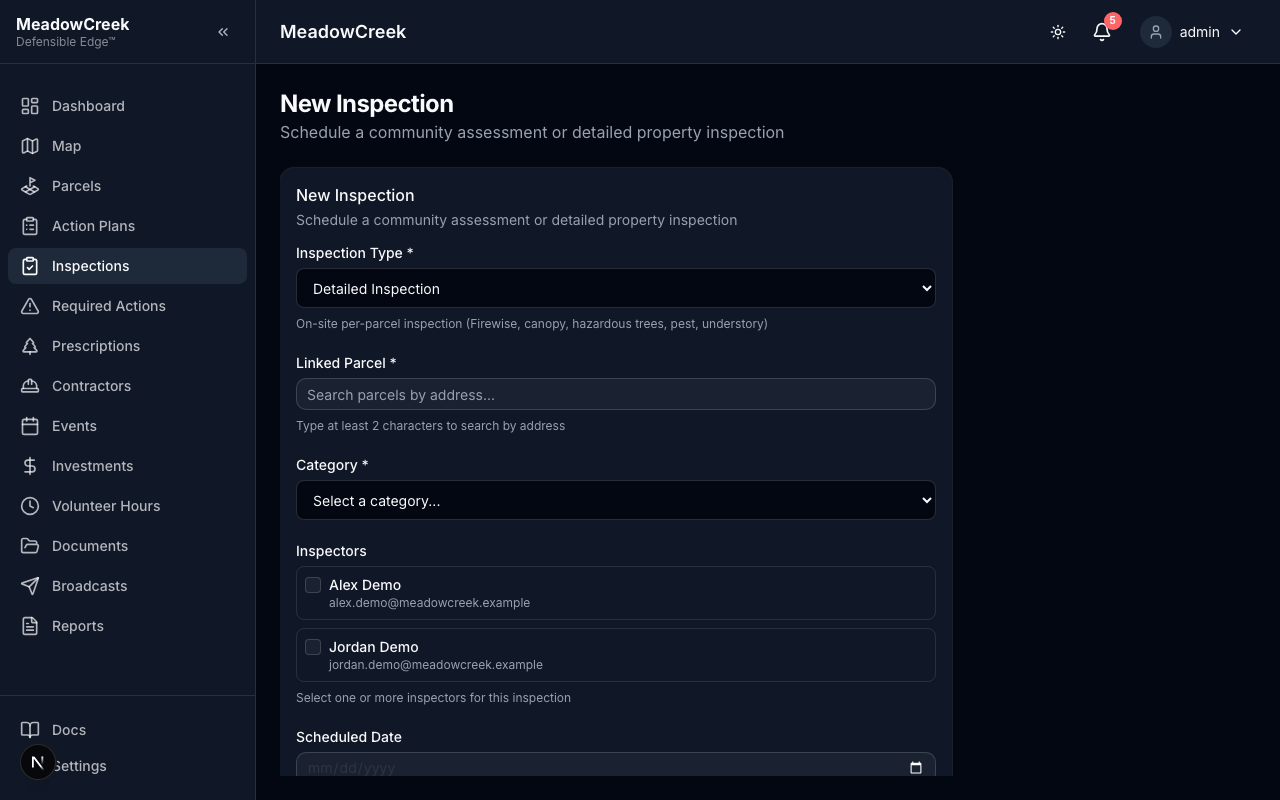
- Click New Inspection at the top of the page
- Select the inspection type (Community Assessment or Detailed Inspection)
- Choose one or more parcels to inspect (Detailed Inspections require exactly one parcel)
- Assign an inspector from the list of available team members
- Set the scheduled date and optionally the inspection time
- Add any notes for the inspector
- Click Save to create the inspection
Last updated on