Investments
Track every dollar your community invests in wildfire mitigation — work-day materials, contractor payments, equipment purchases, grant-funded projects. Investments roll up into the Firewise USA® reaccreditation packet alongside volunteer hours.
Navigate to Investments in the sidebar.
The ledger
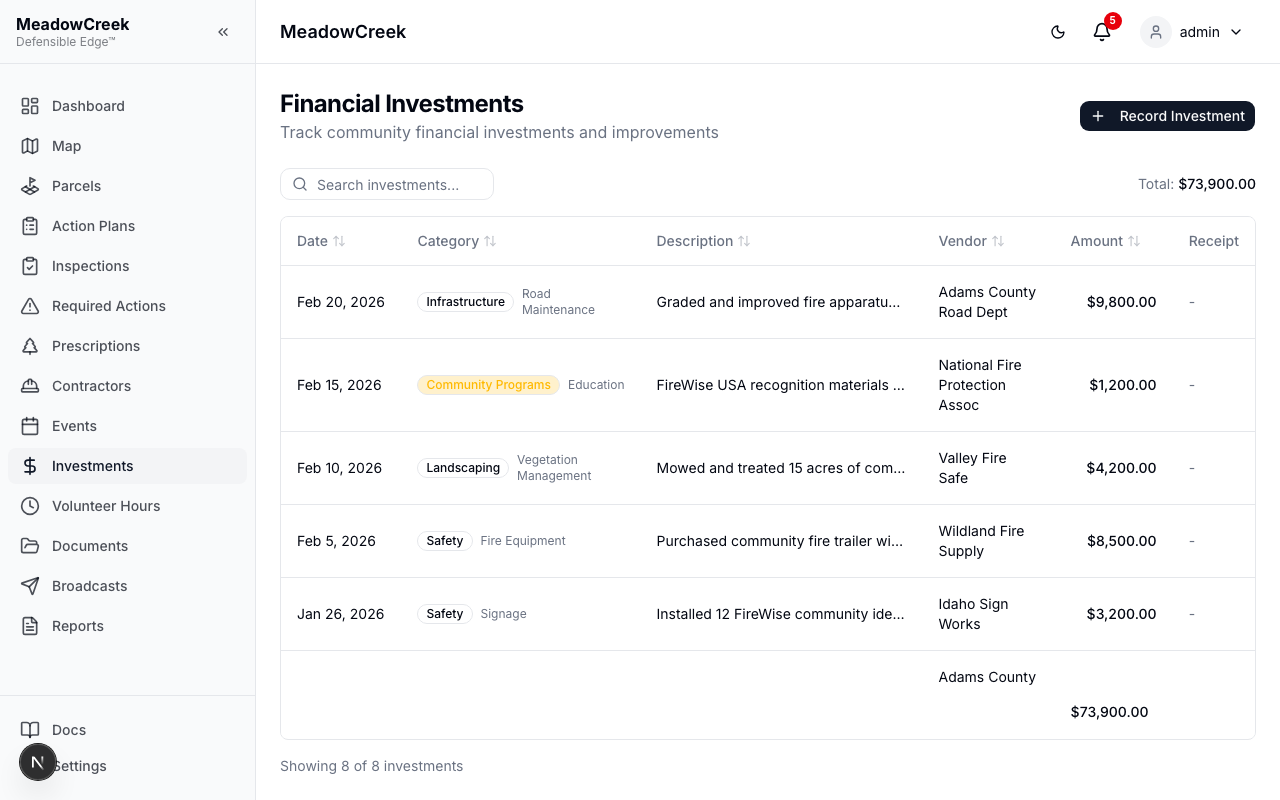
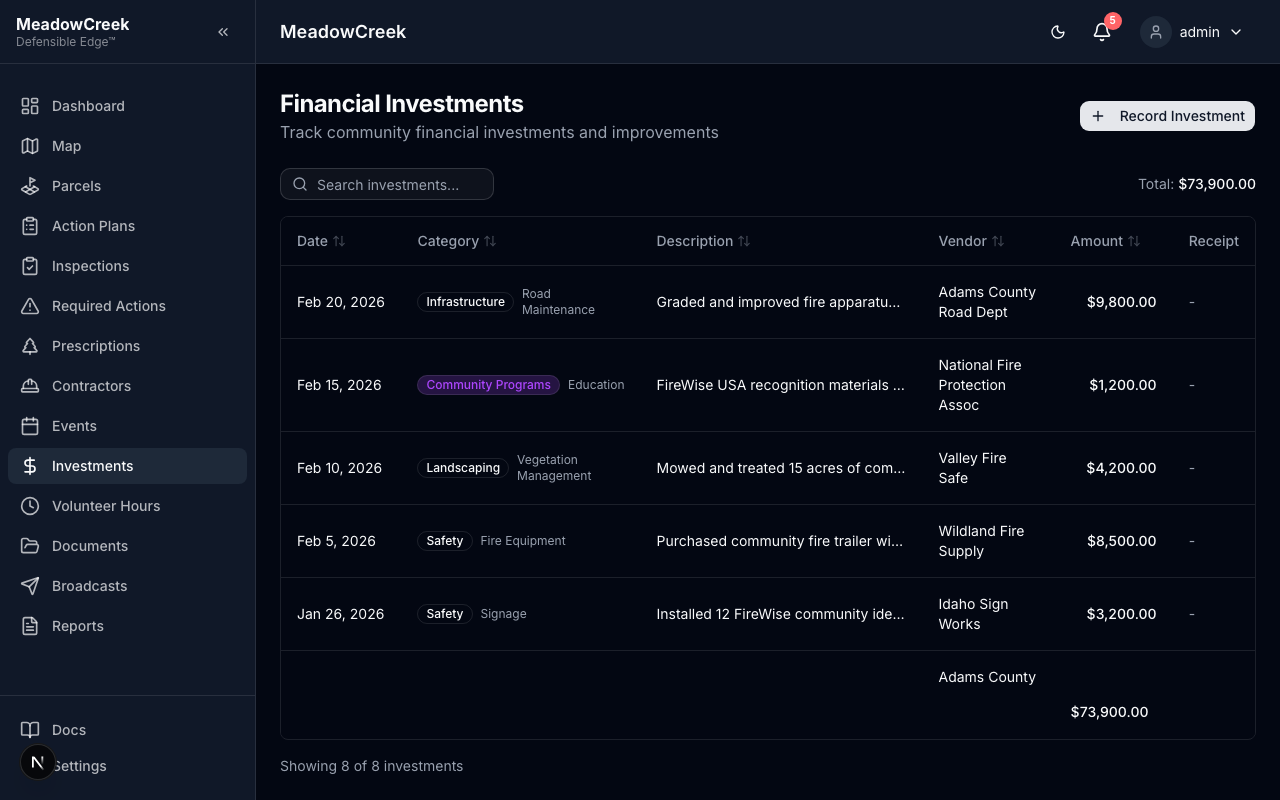
Each row is one expenditure. The header summary shows year-to-date totals broken down by category and the per-dwelling-unit average.
Recording an investment
Click Record Investment to add a new entry.
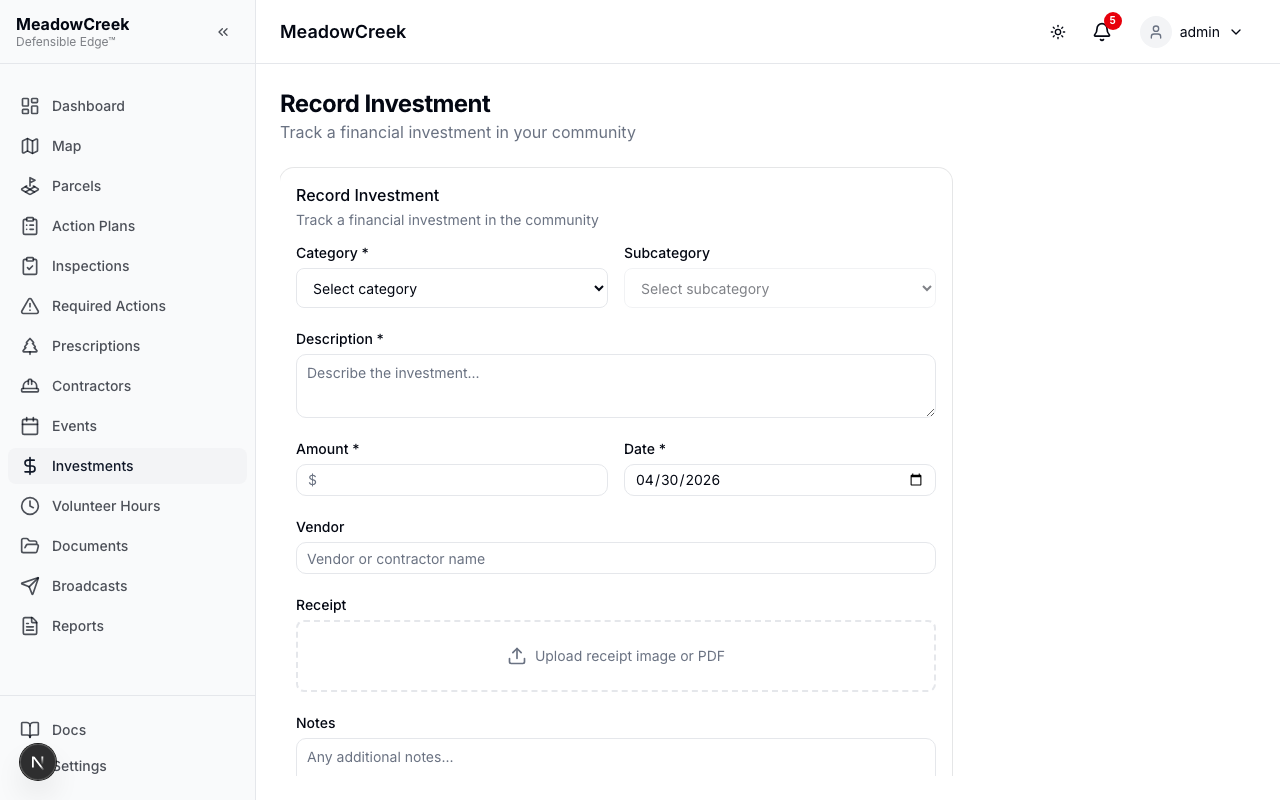
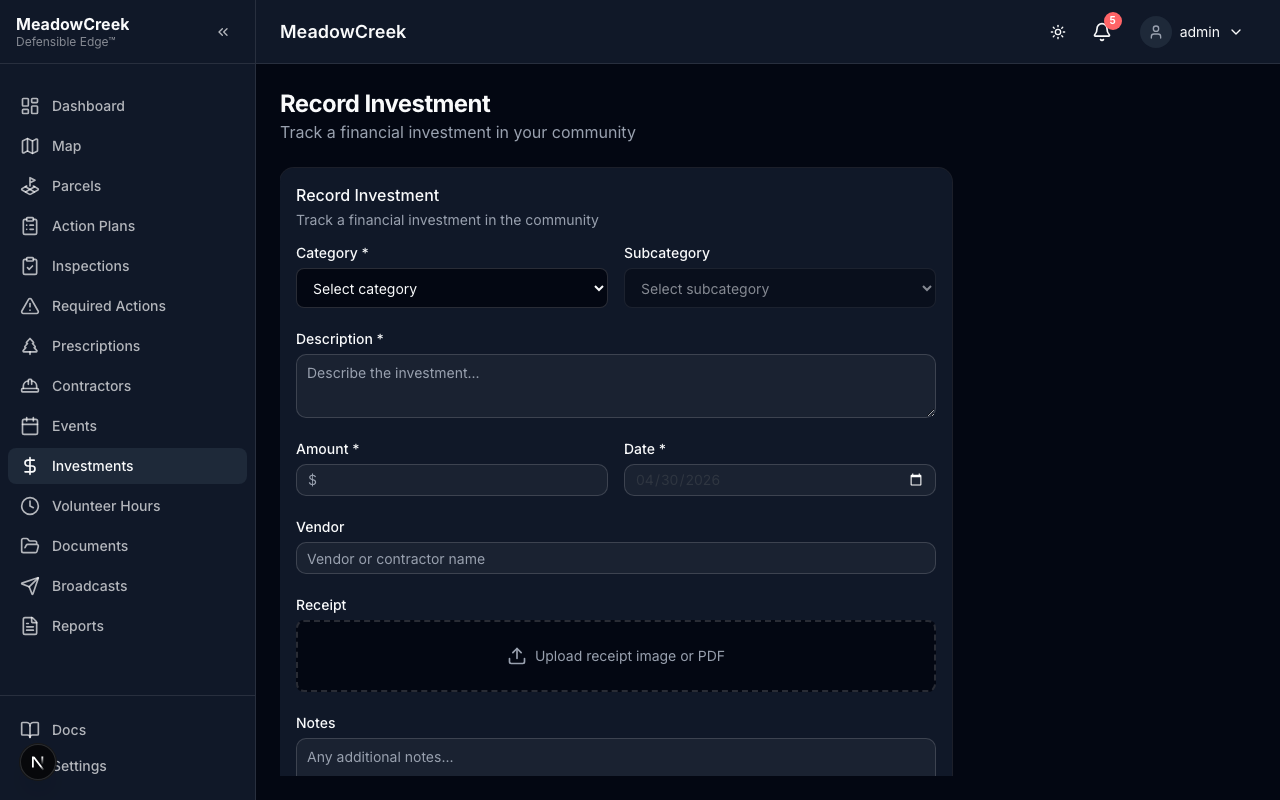
Required fields:
- Date of the expenditure
- Amount in USD
- Category — Materials, Contractor, Equipment, Grant, or Other
- Description — short summary of what the money was spent on
Optional links:
- Action plan item — pin the expense to a specific plan line so the plan’s spent vs. budget rolls up automatically
- Inspection — when the work was driven by a specific finding
- Receipt attachment — upload a PDF or photo for the audit trail
Why it matters
Firewise USA® reaccreditation requires a documented investment threshold each year. Investments logged here are the source of truth for that number — the dashboard’s Invested tile (in Firewise Progress) reads directly from this ledger.
Related
- Action Plans → Funding — track plan-level budgets vs. actuals
- Volunteer Hours — the other half of the Firewise contribution math
- Reports — investments get pulled into the renewal report automatically
Last updated on