Events
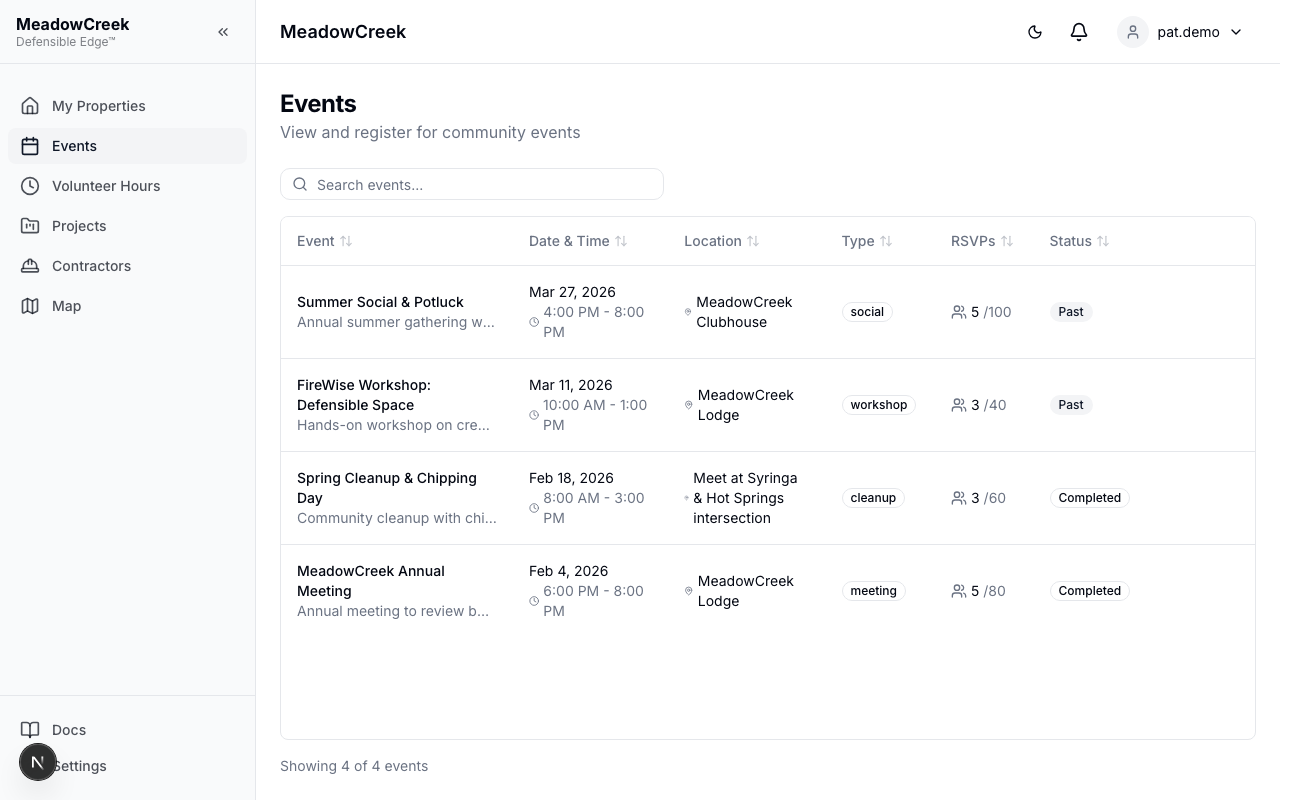
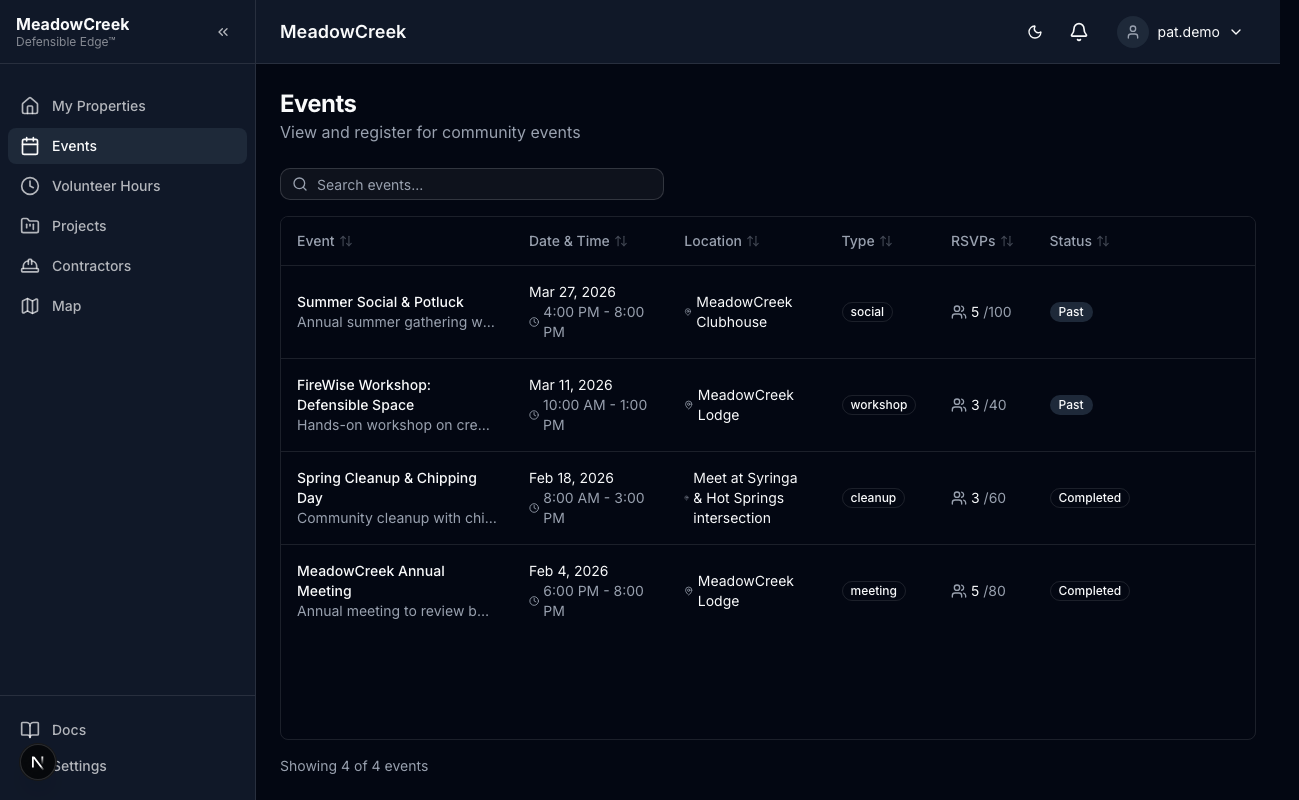
Navigate to Events in the sidebar to browse community events.
Viewing Events
The events page shows all community events with:
- Event title and description
- Date and time
- Location
- Event type
- Whether the event is public
- Current RSVP count and capacity
- Your registration status (if you’ve already registered)
Registering for Events
- Find a public event you’d like to attend
- Click Register on the event card
- You’ll receive a confirmation notification in your notification bell
- Your registration status updates to “Registered”
Cancelling Registration
If you can no longer attend, click Cancel Registration on the event card. Your spot will be released for other attendees.
Events at full capacity will show a “Full” indicator and registration will be disabled.
Last updated on