Map
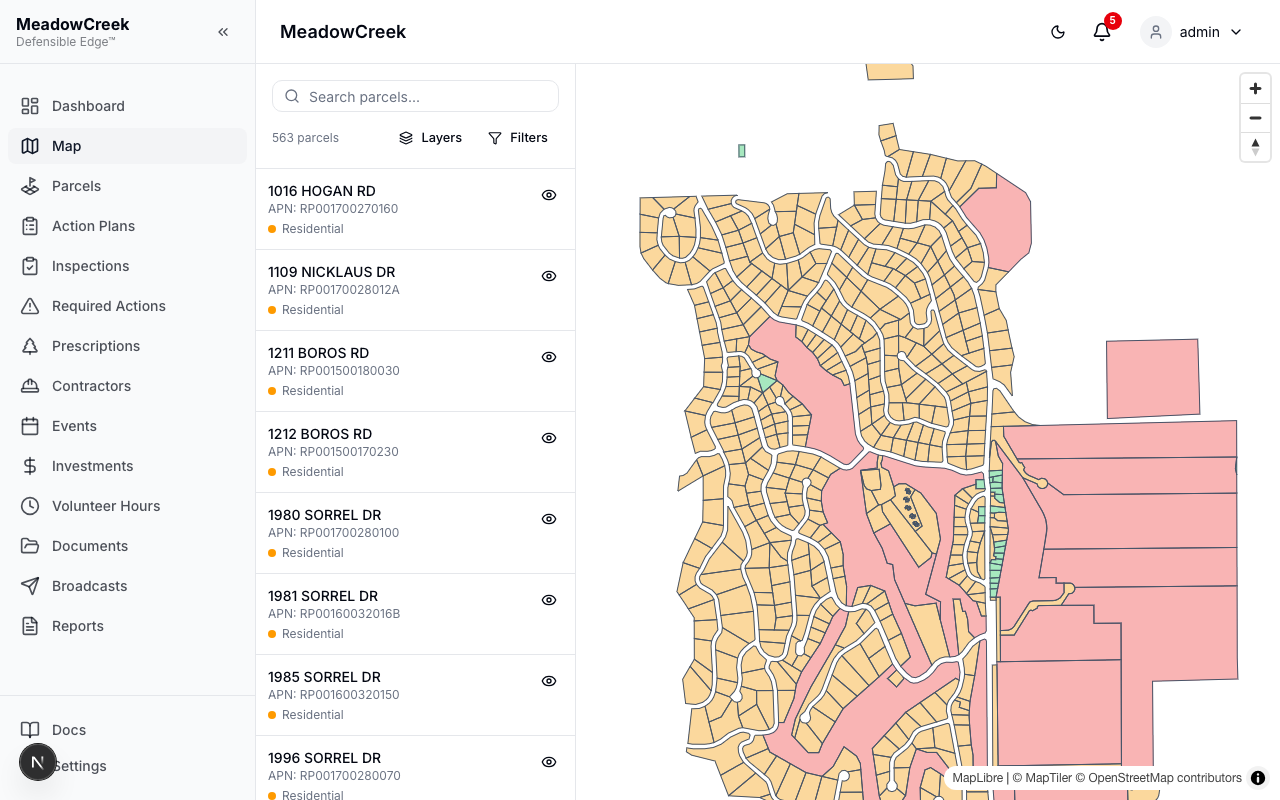
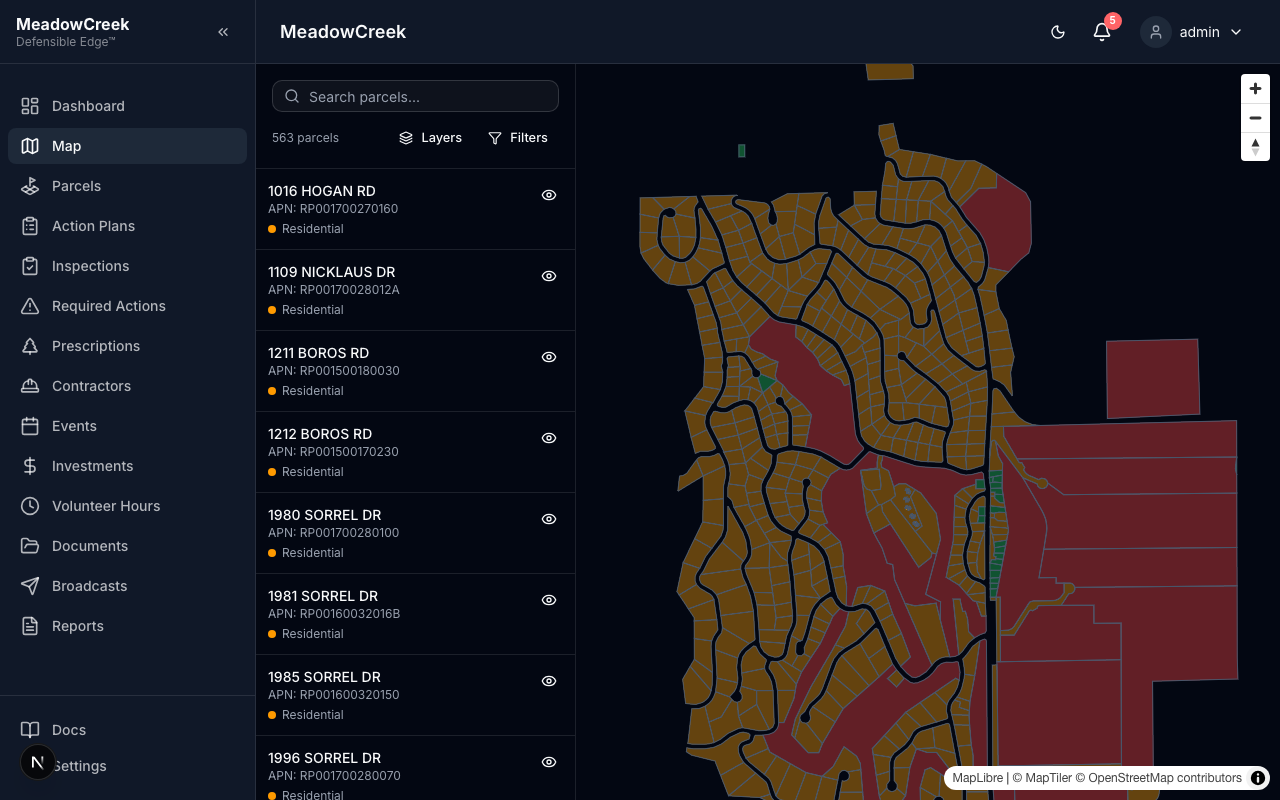
The Map is your community’s spatial command center. Every parcel sits on top of high-resolution imagery, color-coded by risk level. Layer toggles add a risk heatmap, hillshade, or 3D terrain in one click. Filters let you isolate the parcels that need attention right now — high risk, non-compliant, residential only.
Navigate to Map in the sidebar.
Default view
Parcels render on top of the basemap, colored by risk level. The left rail lists every parcel in the community; click one to fly to it on the map.
Layers panel — what makes this different
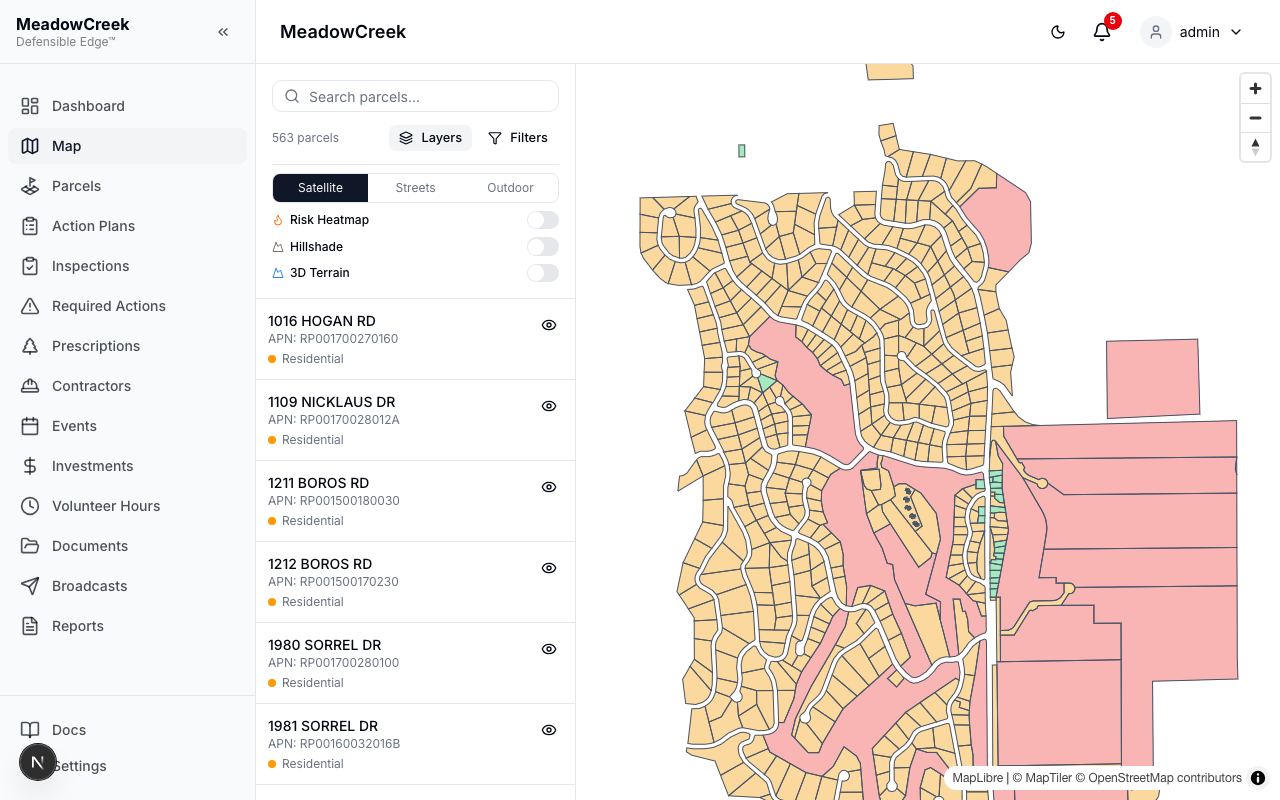
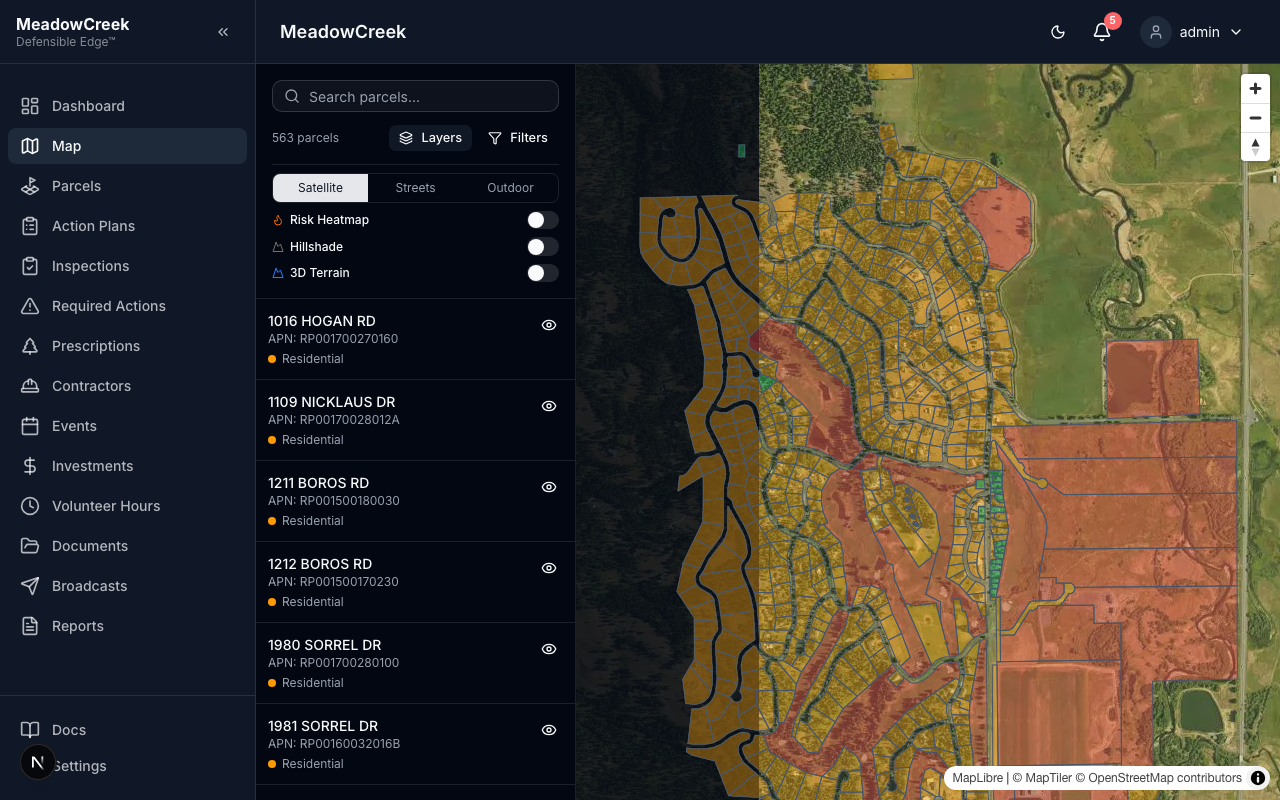
Click Layers in the toolbar. From a single panel you control the basemap and the analytical overlays.
| Layer | What it shows |
|---|---|
| Satellite / Streets / Outdoor | Switch the basemap. Satellite is best for fuel-load assessments; Streets for navigation; Outdoor highlights terrain features and trails. |
| Risk Heatmap | Density-weighted overlay of parcel risk levels. Hotspots jump out at a glance. |
| Hillshade | Adds elevation shading to the basemap so slopes and aspect read clearly — critical for understanding fire behavior. |
| 3D Terrain | Renders the map in 3D, exaggerating relief. Best paired with Hillshade for board presentations. |
Risk heatmap
Toggle Risk Heatmap on and the map paints a green-to-red gradient over the community. The legend (bottom-right) shows the scale.
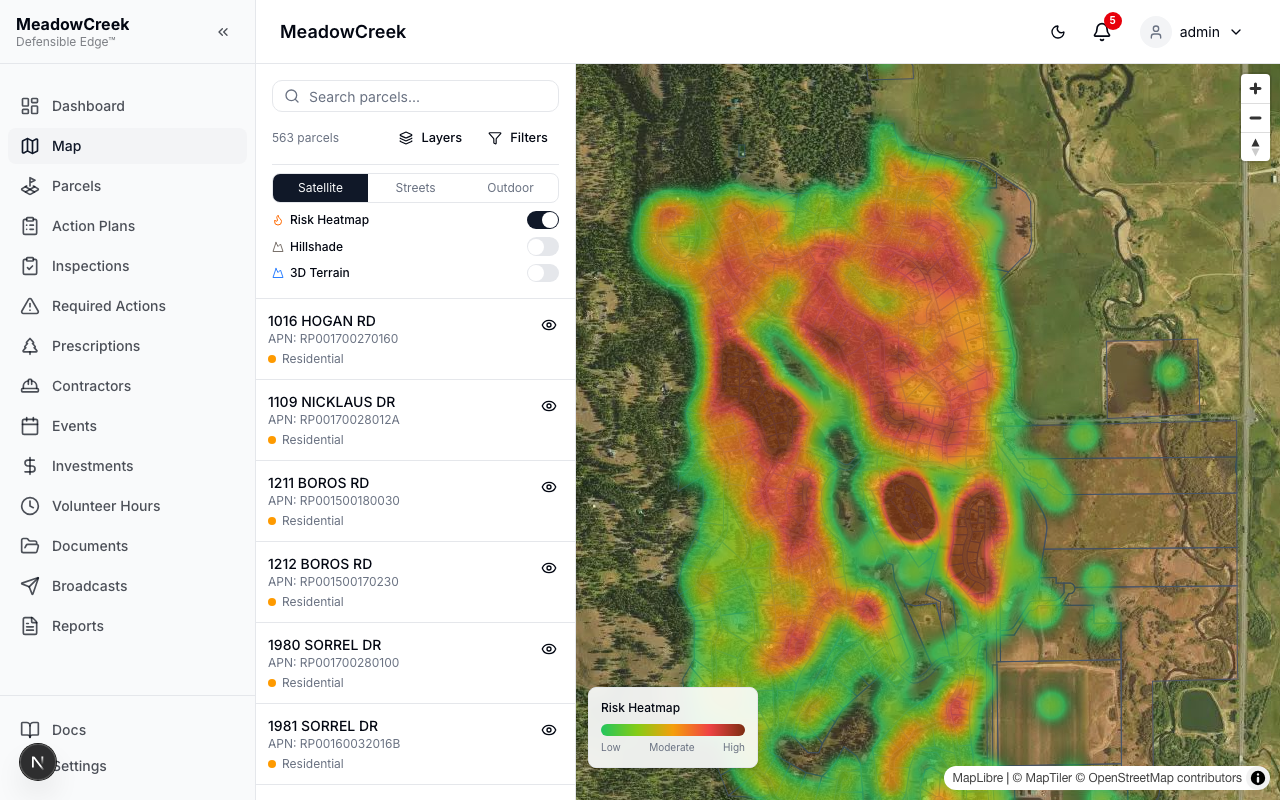
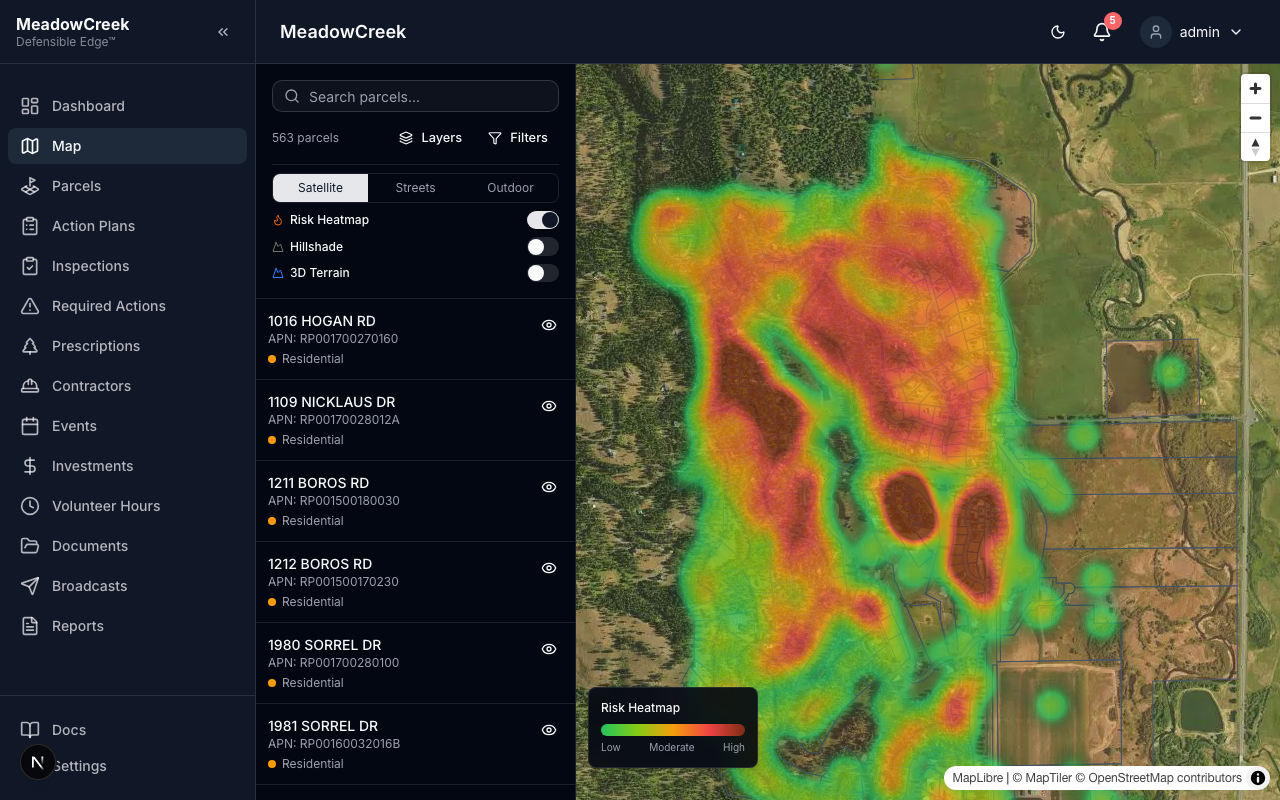
This is the most-requested view in board meetings — five seconds in, every neighbor sees where the high-risk clusters are without reading a single number.
Filters panel
Click Filters to narrow the parcel list and the on-map highlight set by Risk, Parcel Type, or Compliance Status.
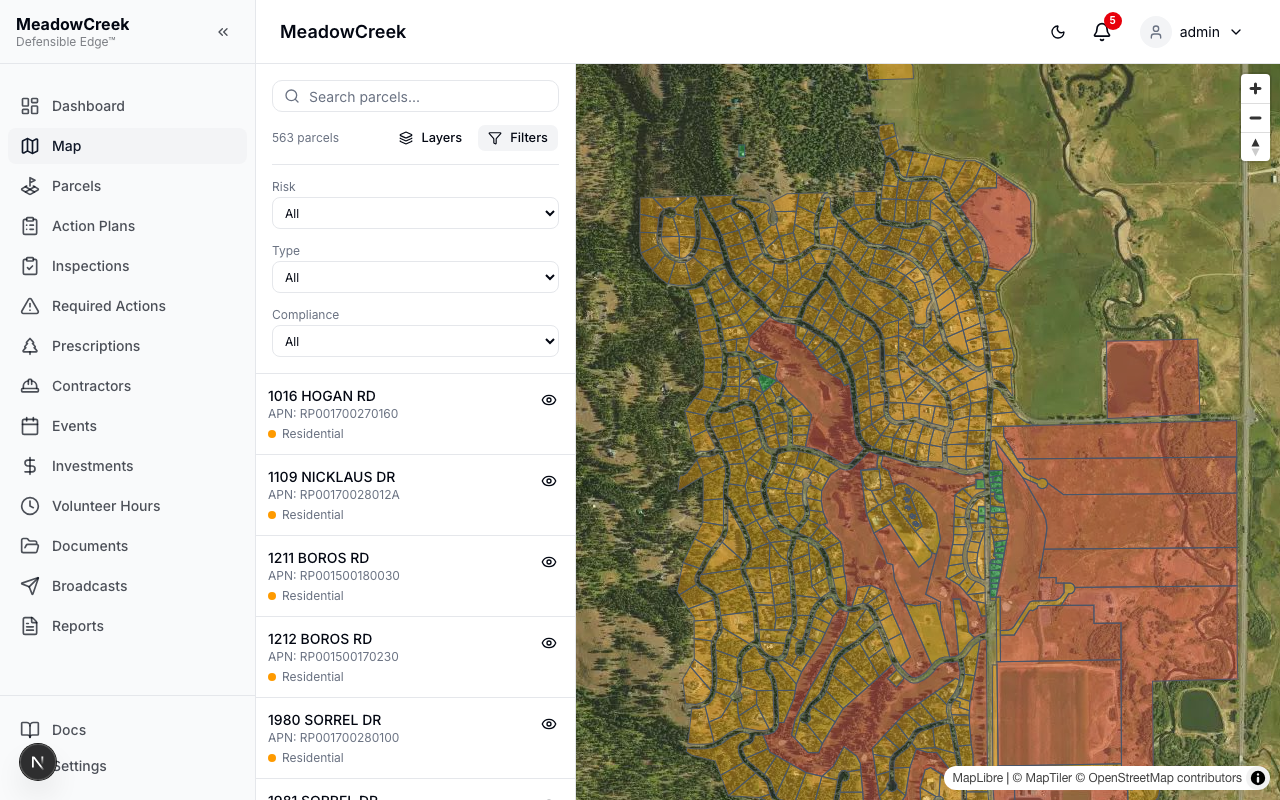
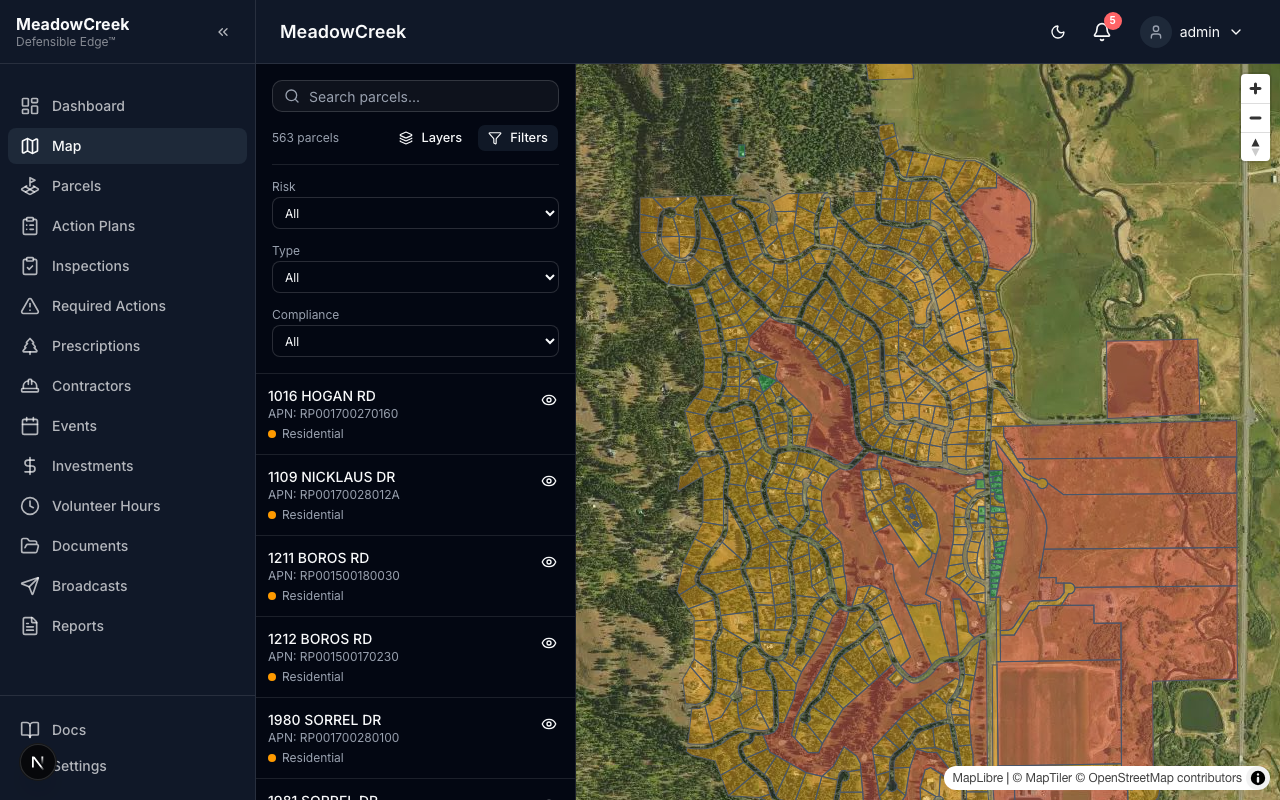
Common combinations:
- Risk = High + Compliance = Non-compliant → the priority list for next fiscal year’s action plan
- Type = Residential + Risk = Extreme → who to call first when smoke shows on the horizon
- Compliance = Pending → owners with inspections in flight
Selecting a parcel
Click any parcel polygon on the map (or any row in the left rail) to open a detail card with the address, risk level, compliance status, last inspection date, and owner contact (Full Platform). From the card you can jump straight to that parcel’s detail page or open a new inspection.
Tips
- The heatmap is computed on the fly from current parcel risk values — flip a single parcel to High in the Parcels page and the heatmap updates the next time you reload the Map.
- Hillshade and 3D Terrain require a MapTiler key; they’re disabled automatically in environments without one.
- The map remembers the last basemap and zoom level you used (per-user, per-community).